
|
Do it yourself
| |||
| ||||


How do I replace the Lexus Ux remote control battery?
In order to replace the Lexus Ux remote control battery, you need to press the button on the side in order to remove the key from inside its housing. In this way, it will be possible to pry inside it to be able to separate the two halves that make up the remote control and have access to the battery. This will have to be extracted from its housing by levering with an object and replaced with a new spare part. Once the new battery has been installed, it will be possible to close the remote control again and insert the key.
Posted on 9 November 2021 by ScegliAuto
Video tutorial
Related tutorials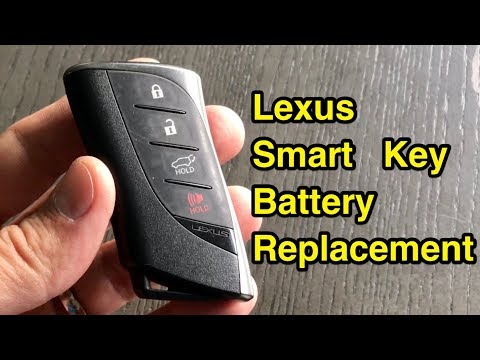
Lexus UX
(2018-2026 /
MK 1)
The guide shows how to replace the Lexus UX remote control battery. The first operation to perform is to remove the emergency key from the remote con…
Lexus UX
(2018-2026 /
MK 1)
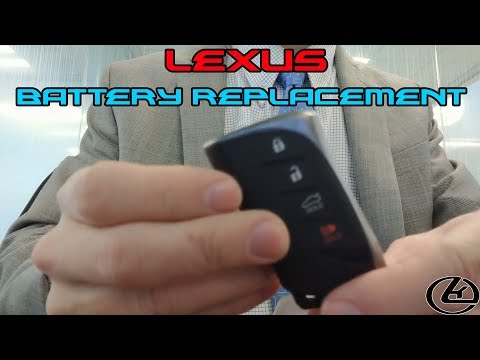
In this tutorial we can see how to replace the Lexus UX remote control battery. This is a very simple and fast operation, we don't need any particula…
Lexus UX
(2018-2026 /
MK 1)
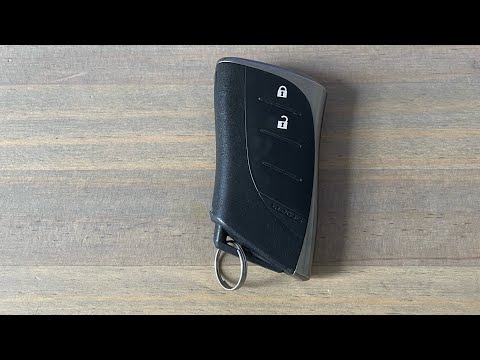
In order to replace the battery of the Lexus UX remote control, you need to slide out the key from the top of the device, removing it completely. Aft…
Other guides you may be interested in
|
How to Remove the Dome Light in a Mercedes C-Class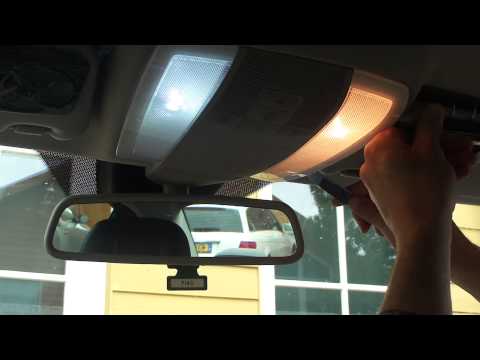
In this video, see how to replace the bulb or LED in the dome light of a Mercedes C-Class. Using a screwdriver or plastic trim tool, pry between the dome light cover and its perimeter (without breaking the plastic), remove the grille from the dome light, and then take out the clear plastic cover. Replace the damaged bulb with a new one (same size and voltage). Reinstall the plastic cover in its housing (press it in with your hands until the tabs are fully secured). Test the light's proper functioning before reinstalling the piece. by ScegliAuto More videos
|
|
For advertising on this site Write to info@scegliauto.com
ScegliAuto is not responsible for any inaccuracy of the data in the lists. To report any inaccuracy or your business (if you own the business in question), please write to info@scegliauto.com
Number of seconds to generate the page: 0.111
(c) ScegliAuto 2026 - info@scegliauto.com - Privacy policy VAT number: IT01247470535 |
