
|
Do it yourself
| |||
| ||||


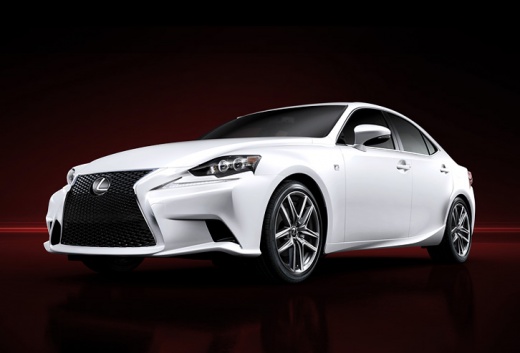
GPS Module Installation Instructions
Model: Lexus IS
MK 3
- Years:
2013, 2014, 2015, 2016, 2017, 2018, 2019, 2020, 2021, 2022, 2023, 2024
This video is currently unavailable
Installing the GPS module to integrate the satellite navigation system with the car radio is not particularly complex but mainly requires time and patience. The new device will need to be placed inside the rear boot, beneath the trim. Start by disconnecting the battery, as you will be working with electrical cables, and it's always better to prevent short circuit risks. Next, remove the boot trim, starting from the load floor and then moving to the lower part of the parcel shelf and the sides (you will need to remove some screws and clips). Then, locate the car radio tuner, disconnect it, and install the GPS module using the appropriate wiring. Test the device's operation before reassembling the trim.
Updated on 15 February 2026 by ScegliAuto
Related tutorials
Lexus IS
(2013-2024 /
MK 3)
If you want to improve your car's performance, you should not focus solely on the engine's performance, but also consider other aspects such as stabi…
Lexus IS
(2005-2013 /
MK 2)
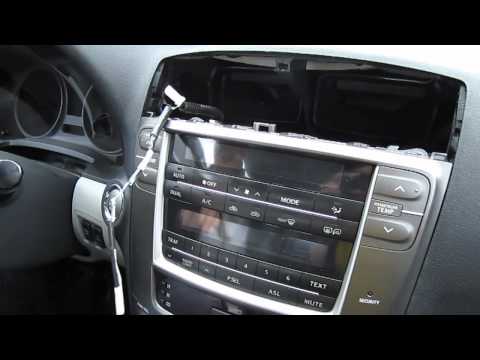
Refer to the images to understand how to install the module that connects the iPhone to the car radio. If you have an automatic gearbox, first unscre…
Lexus IS
(2013-2024 /
MK 3)
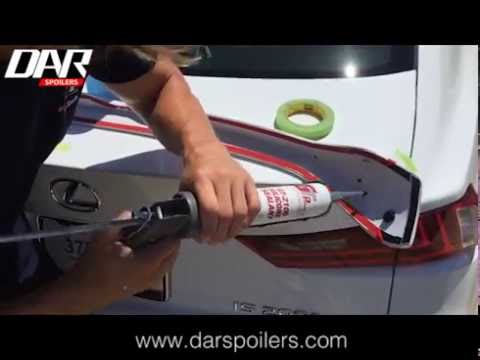
Fitting a spoiler on the rear bonnet will give the car a much sportier and more attractive appearance. In the aftermarket, you can purchase this spec…
Other guides you may be interested in |
How to Activate the Automatic Folding and Unfolding of the Wing Mirrors on the Jeep Compass
Follow these brief instructions to activate the automatic folding and unfolding of the external wing mirrors on the Jeep Compass. First, get inside the vehicle and turn on the ignition; then press the button located beneath the mirror glass adjustment to electrically open the mirror, as shown in the video. Pressing the button in the opposite direction will close the mirrors; by holding the button, the mirrors will open and close automatically! by ScegliAuto More videos
|
|
For advertising on this site Write to info@scegliauto.com
ScegliAuto is not responsible for any inaccuracy of the data in the lists. To report any inaccuracy or your business (if you own the business in question), please write to info@scegliauto.com
Number of seconds to generate the page: 0.042
(c) ScegliAuto 2026 - info@scegliauto.com - Privacy policy VAT number: IT01247470535 |
