
|
Do it yourself
| |||
| ||||


How to reset TPMS on Lexus GS
Model: Lexus GS
L10
- Years 2011-2020
When we notice that the low tire pressure warning light comes on on the instrument panel, we first need to check the actual inflation pressure and, if necessary, restore the minimum pressure specified in the use and maintenance manual. After that, access the driver's seat, the low pressure sensor reset button is located under the dashboard on the left side of the steering column and to locate it it is necessary to bend down under the dashboard (the button is marked with the writing " reset", then press this key and by doing so we will have reset the warning.
Posted on 18 December 2022 by ScegliAuto
Video tutorial
Related tutorials
Lexus GS
(2011-2020 /
L10)
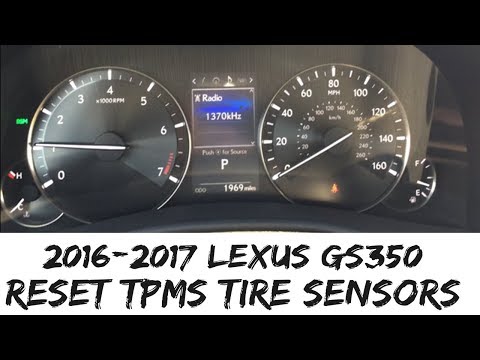
Let's see the process on how to reset the tire pressure warning light on the Lexus GS; before performing the TPMS sensor reset, it is necessary that …
Lexus GS
(2011-2020 /
L10)
In this tutorial, we can see how to reset the tire warning light in the Lexus GS 350, a very simple and quick operation that should only be done once…
Lexus GS
(2005-2011 /
S190)
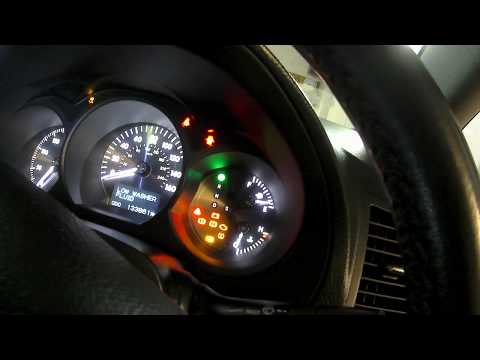
In this tutorial, we can see how to reset the tire pressure light in the Lexus GS 450h, an extremely simple and quick operation, to be carried out on…
Other guides you may be interested in
|
How to Remove the Dome Light in a Mercedes C-Class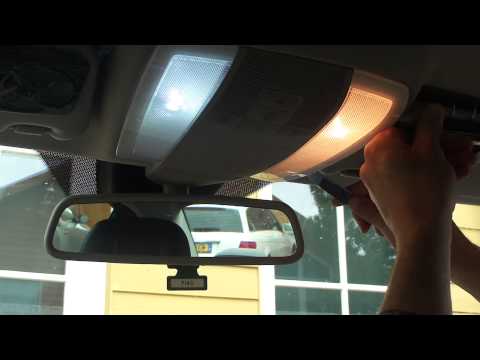
In this video, see how to replace the bulb or LED in the dome light of a Mercedes C-Class. Using a screwdriver or plastic trim tool, pry between the dome light cover and its perimeter (without breaking the plastic), remove the grille from the dome light, and then take out the clear plastic cover. Replace the damaged bulb with a new one (same size and voltage). Reinstall the plastic cover in its housing (press it in with your hands until the tabs are fully secured). Test the light's proper functioning before reinstalling the piece. by ScegliAuto More videos
|
|
For advertising on this site Write to info@scegliauto.com
ScegliAuto is not responsible for any inaccuracy of the data in the lists. To report any inaccuracy or your business (if you own the business in question), please write to info@scegliauto.com
Number of seconds to generate the page: 0.104
(c) ScegliAuto 2026 - info@scegliauto.com - Privacy policy VAT number: IT01247470535 |
