
|
Do it yourself
| |||
| ||||


Lincoln Mks - Video guides Lincoln Mks (2009-2016 / MK 1) How to replace the battery of the Lincoln MKS key remote control Let's see the information that will allow us to disassemble and replace the battery of the key fob for the Lincoln MKS. First, take the key fob in hand and …Read all… Posted on 7 January 2025 by ScegliAuto 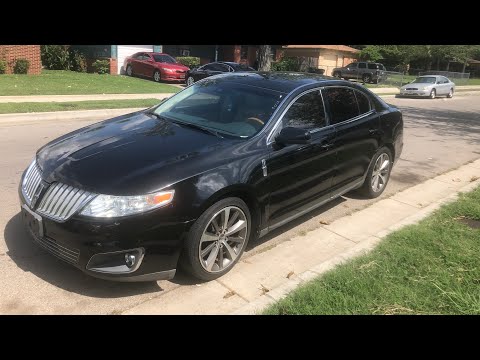 Lincoln Mks (2009-2016 / MK 1) How to Replace the Exterior Rearview Mirror on the Lincoln MKS This guide shows how to replace the exterior rearview mirror on the Lincoln MKS. The first step is to remove the trim panel and support for the mirror control …Read all… Posted on 9 November 2026 by ScegliAuto  Lincoln Mks (2009-2016 / MK 1) How to Replace the Air Filter on a Lincoln MKS In this video tutorial, we can see how to replace the air filter on a Lincoln MKS. The first thing to do is purchase a new air filter, then get inside the …Read all… Posted on 26 October 2026 by ScegliAuto  Lincoln Mks (2009-2016 / MK 1) How to Replace the Key Fob Battery in a Lincoln MKS? Replacing the key fob battery in a Lincoln MKS, as shown in this tutorial, is a very simple and quick task. First, gather a small flathead screwdriver and a …Read all… Posted on 19 October 2026 by ScegliAuto 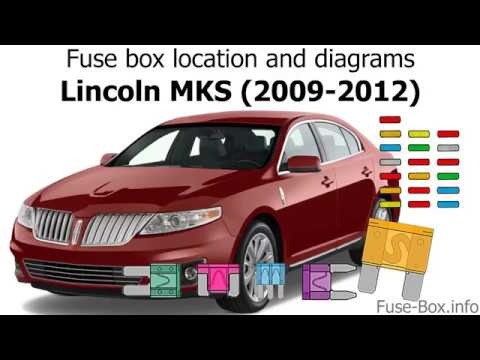 Lincoln Mks (2009-2016 / MK 1) What is the fuse diagram for the Lincoln MKS? In this video, you can see the diagrams of the fuse boxes and their locations in the Lincoln MKS. Consult these if a device malfunctions and you want to check …Read all… Posted on 18 October 2026 by ScegliAuto 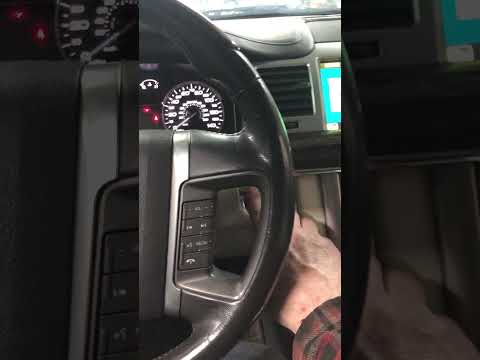 Lincoln Mks (2009-2016 / MK 1) How to Reset the TPMS on the Lincoln MKS If the low tire pressure warning light illuminates on your vehicle's dashboard, first check the actual tire pressure. If necessary, restore the pressure to the …Read all… Posted on 9 October 2026 by ScegliAuto  Lincoln Mks (2009-2016 / MK 1) How to Reset the Oil Life on a Lincoln MKS In this video tutorial, you will see how to reset the oil life service indicator on a Lincoln MKS. First, perform maintenance on the vehicle, such as changing …Read all… Posted on 4 October 2026 by ScegliAuto 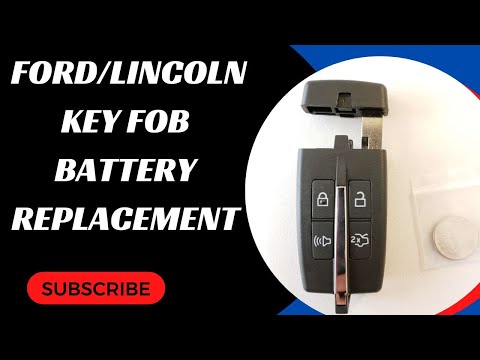 Lincoln Mks (2009-2016 / MK 1) Change the Battery in the Lincoln MKS Remote To change the battery in your Lincoln MKS remote, you will need a CR2032 button battery. Open the remote from the back button, where you will extract the …Read all… Posted on 2 October 2026 by ScegliAuto  Lincoln Mks (2009-2016 / MK 1) How to Replace the Cabin Air Filter on the Lincoln MKS If you notice that the airflow from the air conditioning system has significantly decreased, it may be time to replace the cabin air filter. Follow these …Read all… Posted on 26 September 2026 by ScegliAuto 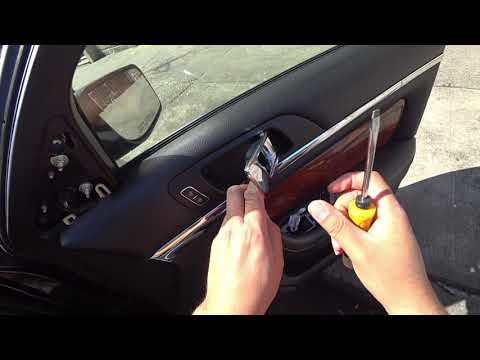 Lincoln Mks (2009-2016 / MK 1) How to Remove the Door Panel on the Lincoln MKS? To remove the door panel on the Lincoln MKS, unscrew all the screws that secure it to the door. These are located in the handle recess, under the window switch …Read all… Posted on 21 September 2026 by ScegliAuto  Lincoln Mks (2009-2016 / MK 1) How to Replace the Key Fob Battery on the Lincoln MKS As shown in this tutorial, replacing the key fob battery on the Lincoln MKS is a very simple and quick task. You will need a replacement CR2032 3V battery and …Read all… Posted on 10 September 2026 by ScegliAuto  Lincoln Mks (2009-2016 / MK 1) How to Use the Keyless Entry Pad on the Lincoln MKS How to use the Keyless Entry Pad on the Lincoln MKS. The use is very simple, as it involves using the code system located on the driver's side front pillar, …Read all… Posted on 19 August 2026 by ScegliAuto 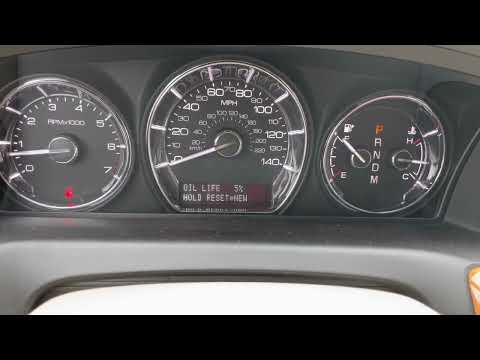 Lincoln Mks (2009-2016 / MK 1) How to Reset the Oil Light in a Lincoln Mks If you want to manually reset the engine oil light that keeps turning on at every start, follow the procedure described below. You do not need any professional …Read all… Posted on 16 August 2026 by ScegliAuto  Lincoln Mks (2009-2016 / MK 1) How to Replace the Headlight Bulbs on a Lincoln MKS Mk1 This guide shows how to replace the front headlight bulbs on a Lincoln MKS. First, remove the headlight assembly. To do this, remove the bumper mounting bolt …Read all… Posted on 5 August 2026 by ScegliAuto 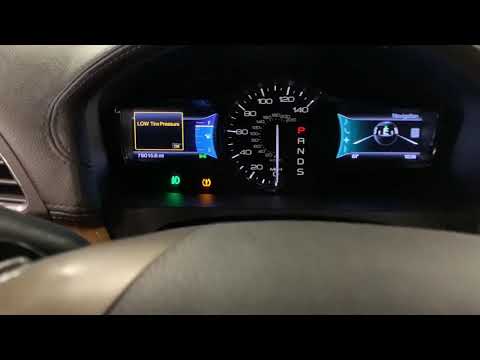 Lincoln Mks (2009-2016 / MK 1) How to Reset the Service Light on Lincoln MKS In this video tutorial, you will see how to turn off the service light on Lincoln MKS. The first step is to change the engine oil and filters. After completing …Read all… Posted on 21 July 2026 by ScegliAuto  Lincoln Mks (2009-2016 / MK 1) Replacing the Front Brake Pads on the Lincoln MKS Below are step-by-step instructions to remove and replace the front brake pads on the Lincoln MKS. First, lift the vehicle and start unscrewing the wheel …Read all… Posted on 19 July 2026 by ScegliAuto  Lincoln Mks (2009-2016 / MK 1) How to Replace the Cabin Air Filter on a Lincoln MKS? To replace the cabin air filter on a Lincoln MKS, detach the side panel of the footwell on the front passenger side by unscrewing the designated screw. Once …Read all… Posted on 13 July 2026 by ScegliAuto 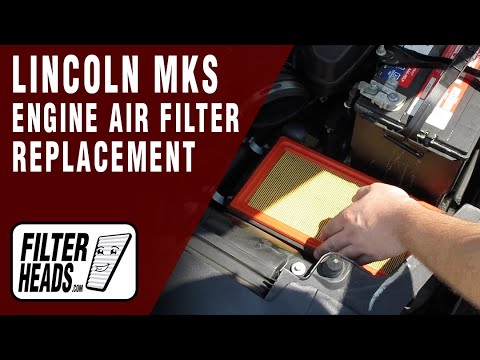 Lincoln Mks (2009-2016 / MK 1) How to Replace the Air Filter on a Lincoln MKS? To replace the air filter on a Lincoln MKS, open the hood to access the components inside the engine compartment. The box containing the filter is located near …Read all… Posted on 12 July 2026 by ScegliAuto  Lincoln Mks (2009-2016 / MK 1) How to Replace the Front Headlight Bulb on a Lincoln MKS? To replace the front headlight bulb on a Lincoln MKS, open the hood to access the components inside the engine bay. Remove the circular cover on the back of …Read all… Posted on 7 July 2026 by ScegliAuto
Key (5)
Headlight (1)
Air filter (1)
Cabin air filter (3)
Headlight bulb (1)
Door trim panel (1)
Brake pads (1)
Fuse box (1)
Side mirror (1)
Warning light – error code (3)
Tire pressure warning light (1)
|
How to Enter the Unlock Code for the Radio in the Nissan Micra?
In this tutorial, you will see how to enter the unlock code for the radio in the Nissan Micra, a very simple operation to perform in case of memory loss after replacing the battery. The code can be found in the documents provided at purchase or through one of the various online recovery services. First, turn on the instrument panel, then repeatedly press the "1" button until you reach the first digit of the code. Follow the same logic to enter the remaining 3 digits using the "2", "3", and "4" buttons, and confirm the entry with the up arrow button. by ScegliAuto More videos
|
|
For advertising on this site Write to info@scegliauto.com
ScegliAuto is not responsible for any inaccuracy of the data in the lists. To report any inaccuracy or your business (if you own the business in question), please write to info@scegliauto.com
Number of seconds to generate the page: 0.008
(c) ScegliAuto 2026 - info@scegliauto.com - Privacy policy VAT number: IT01247470535 |
