
|
Do it yourself
| |||
| ||||


Replacing the Front Brake Pads on the Lincoln MKS
Model: Lincoln Mks
MK 1
- Years 2009-2016
Below are step-by-step instructions to remove and replace the front brake pads on the Lincoln MKS. First, lift the vehicle and start unscrewing the wheel mounting bolts to remove the wheel; then unscrew the screws of the front brake caliper, subsequently removing the metal clips to take out the old brake pads, as shown in the video. At this point, clean the caliper from dirt and press the caliper piston to retract it; then install the new brake pads and reassemble the caliper!
Updated on 23 May 2026 by ScegliAuto
Video tutorial
Related tutorials
Lincoln Mks
(2009-2016 /
MK 1)
As shown in this tutorial, replacing the key fob battery on the Lincoln MKS is a very simple and quick task. You will need a replacement CR2032 3V ba…
Lincoln Mks
(2009-2016 /
MK 1)
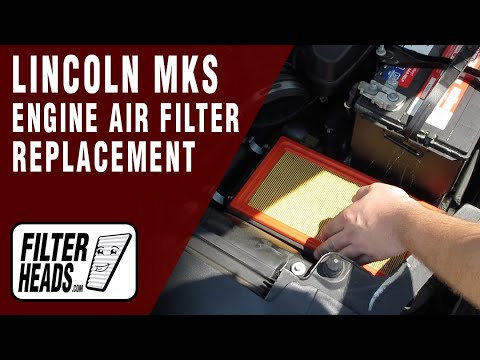
To replace the air filter on a Lincoln MKS, open the hood to access the components inside the engine compartment. The box containing the filter is lo…
Lincoln Mks
(2009-2016 /
MK 1)
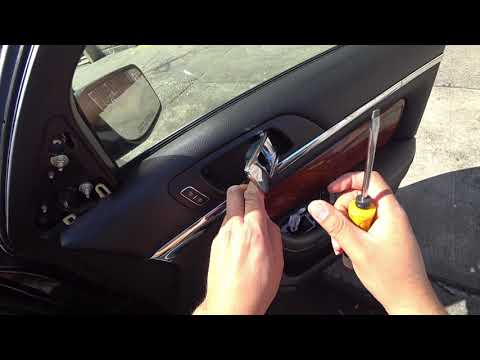
To remove the door panel on the Lincoln MKS, unscrew all the screws that secure it to the door. These are located in the handle recess, under the win…
Other guides you may be interested in
|
How to Replace the Battery on a Honda Vision 110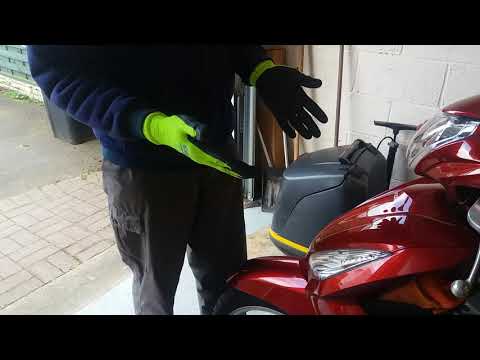
To replace the battery on a Honda Vision 110, you need to remove the front fairing of the motorcycle, located directly under the front headlamp. To loosen this panel, unscrew the two screws found at its top, just below the handlebar. Once these screws are loosened, lever under the panel to detach it, gaining access to the battery underneath: this battery must be removed from its housing by unscrewing the fixing screws and disconnecting the power cables, replacing it with a new one. by ScegliAuto More videos
|
|
For advertising on this site Write to info@scegliauto.com
ScegliAuto is not responsible for any inaccuracy of the data in the lists. To report any inaccuracy or your business (if you own the business in question), please write to info@scegliauto.com
Number of seconds to generate the page: 0.371
(c) ScegliAuto 2026 - info@scegliauto.com - Privacy policy VAT number: IT01247470535 |
