
|
Do it yourself
| |||
| ||||


How to Reset the Oil Light in a Lincoln Mks
Model: Lincoln Mks
MK 1
- Years 2009-2016
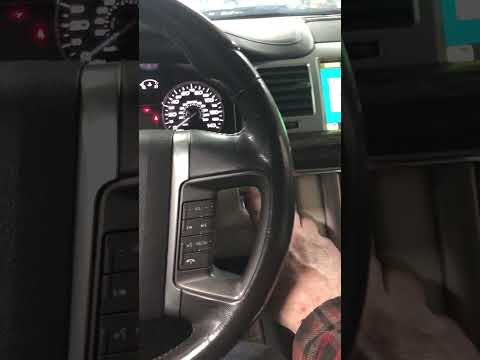
If you want to manually reset the engine oil light that keeps turning on at every start, follow the procedure described below. You do not need any professional diagnostic tools and can complete the process using just two simple buttons. First, turn on the instrument cluster. Immediately, locate the "Setup" button on the center control panel. Press it multiple times until you see the "Oil life" option on the mini display. At this point, press and hold the "Reset" button next to the previous one and release it as soon as the reset is complete.
Updated on 10 June 2026 by ScegliAuto
Video tutorial
Related tutorials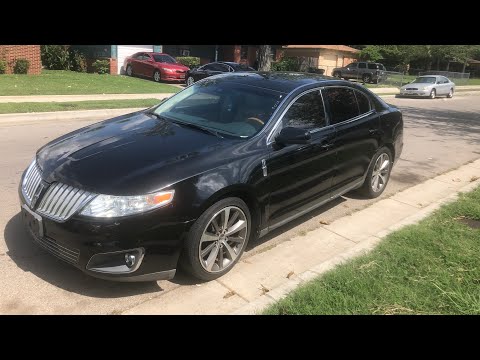
Lincoln Mks
(2009-2016 /
MK 1)
This guide shows how to replace the exterior rearview mirror on the Lincoln MKS. The first step is to remove the trim panel and support for the mirro…

Lincoln Mks
(2009-2016 /
MK 1)
Replacing the key fob battery in a Lincoln MKS, as shown in this tutorial, is a very simple and quick task. First, gather a small flathead screwdrive…
Lincoln Mks
(2009-2016 /
MK 1)
If the low tire pressure warning light illuminates on your vehicle's dashboard, first check the actual tire pressure. If necessary, restore the press…
Other guides you may be interested in
|
How to Open the Bonnet on the Lancia Y
To open the bonnet on this vehicle, follow these simple instructions: first, open the driver's door and locate the lever positioned just below the dashboard, marked with an image of the vehicle with the bonnet open. Pull this lever towards you until you hear a "click" indicating the bonnet is released. Next, exit the cabin and stand in front of the bonnet to disengage the safety catch and complete the opening. To do this, slightly lift the bonnet, locate the yellow lever underneath, and pull it to the left to fully release and open the bonnet. by ScegliAuto More videos
|

|
For advertising on this site Write to info@scegliauto.com
ScegliAuto is not responsible for any inaccuracy of the data in the lists. To report any inaccuracy or your business (if you own the business in question), please write to info@scegliauto.com
Number of seconds to generate the page: 0.133
(c) ScegliAuto 2026 - info@scegliauto.com - Privacy policy VAT number: IT01247470535 |
