
|
Do it yourself
| |||
| ||||



How to Replace the Key Fob Battery on the Lincoln MKT?
Model: Lincoln Mkt
MK 1
- Years:
2010, 2011, 2012, 2013, 2014, 2015, 2016, 2017, 2018, 2019
Video tutorial
In this tutorial, you will learn how to replace the key fob battery on the Lincoln MKT. For this simple and quick operation, you will need a small flathead screwdriver and a replacement battery of type CR2032. First, locate the slot on the top side of the key fob, then insert the tip of the screwdriver into it and, using leverage, unlock the cover. Next, open it completely and remove the old battery, using the screwdriver again if needed. Finally, insert the replacement battery, making sure to respect its orientation.
Updated on 17 July 2026 by ScegliAuto
Related tutorials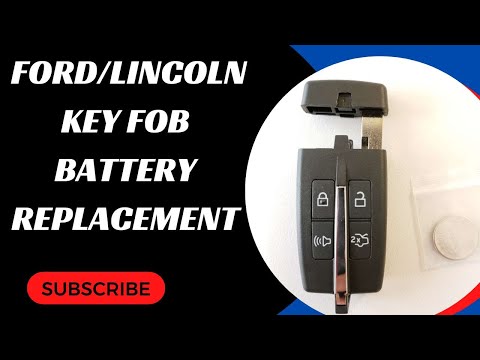
Lincoln Mkt
(2010-2019 /
MK 1)
Replacing the key fob battery in a Lincoln MKT, as shown in this tutorial, is a very simple task. You won't need any special tools, just a replacemen…
Lincoln Mkt
(2010-2019 /
MK 1)
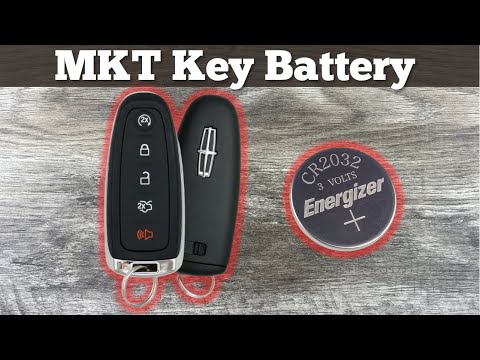
This brief guide shows you how to disassemble and replace the battery in the key remote for the Lincoln MKT in simple and quick steps. First, take yo…
Lincoln Mkt
(2010-2019 /
MK 1)
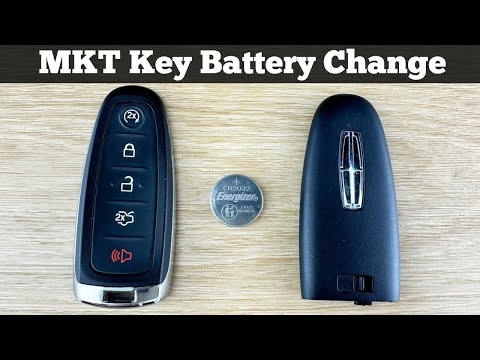
In this guide for Lincoln MKT owners, you will learn the steps necessary to correctly replace the button battery located inside the car's remote key …
Other guides you may be interested in
|
How to reset the service light on the Kawasaki Versys 1000
Resetting the service light on the Kawasaki Versys 1000 is a straightforward operation that can be done independently, aided by our brief video tutorial. Start the reset procedure by turning on the instrument cluster, then simultaneously press the right and left buttons on the left lever. Once in the menu, select the service option and wait for the reset to load; once completed, press the two buttons again to return to the main menu and restart the instrument cluster to complete the reset of the service light. by ScegliAuto More videos
|
|
For advertising on this site Write to info@scegliauto.com
ScegliAuto is not responsible for any inaccuracy of the data in the lists. To report any inaccuracy or your business (if you own the business in question), please write to info@scegliauto.com
Number of seconds to generate the page: 0.096
(c) ScegliAuto 2026 - info@scegliauto.com - Privacy policy VAT number: IT01247470535 |
