
|
Do it yourself
| |||
| ||||


|
Model: Malaguti Phantom F12 50
In this video tutorial, learn how to remove and service the water pump from a Malaguti Phantom F12. First, remove the lower fairing of the scooter near the pump. Then, unscrew the mounting screws of the pump and drain all the fluid into a container. Next, remove the cover tubes by unscrewing the clips, and take out the three screws of the pump itself to remove it completely. Finally, service the pump with a gasket kit or replace it directly with a new one, applying the reverse procedure for reassembly!
Updated on 18 April 2026 by ScegliAuto
This video is currently unavailable
Related tutorials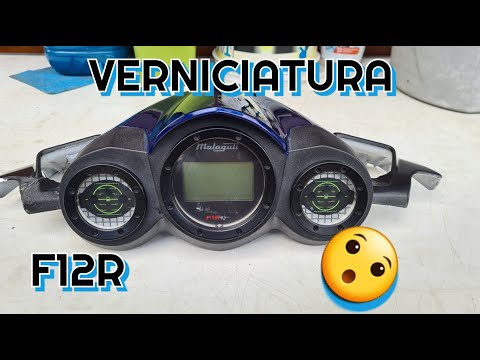
Phantom F12 50
Before starting, position your Malaguti Phantom F12 on the central stand. Begin by unscrewing and removing the lower screws that secure the instrumen…

Phantom F12 50
Good morning, today's goal is to open the variator cover of our Malaguti Phantom F12. Let's start by placing the scooter on the central stand. Then, …

Phantom F12 50
To dismantle the engine of the Malaguti Phantom F12 50, you need to completely remove the engine block from its housing by loosening the screws that …
|
How to Replace the Fuel Pump on the Yamaha Majesty 400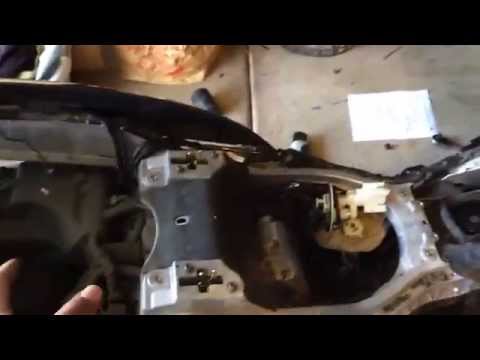
To replace the fuel pump on the Yamaha Majesty 400, you need to loosen the screws that secure the fuel tank to its housing: once this has been removed and disconnected from hoses and connectors, you will be able to locate the fuel pump underneath. The pump can be removed from its housing by unscrewing the screws that secure it in place, allowing you to slide it out and replace it with a new one: after inserting the new pump, you can then check that everything functions correctly. by ScegliAuto More videos
|
|
For advertising on this site Write to info@scegliauto.com
ScegliAuto is not responsible for any inaccuracy of the data in the lists. To report any inaccuracy or your business (if you own the business in question), please write to info@scegliauto.com
Number of seconds to generate the page: 0.237
(c) ScegliAuto 2026 - info@scegliauto.com - Privacy policy VAT number: IT01247470535 |
