
|
Do it yourself
| |||
| ||||


How to Restore the Front Brake Caliper of the Malaguti Phantom F12
Model: Malaguti Phantom F12 50
Video tutorial
This guide provides instructions on how to clean and restore the front brake caliper of the Malaguti Phantom F12 scooter in simple steps. First, place your scooter on the stand and begin to remove the front brake caliper; to do this, unscrew the fastening screws, detaching the caliper from the disc, as shown in the video. Next, remove the old brake pads; then disconnect the brake fluid hose and clean the brake caliper with suitable degreasers. Finally, reassemble everything by applying the reverse procedure!
Updated on 19 July 2026 by ScegliAuto
Related tutorials
Phantom F12 50
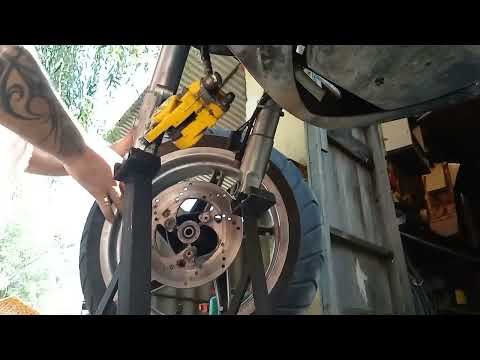
In this tutorial, we will see how to remove and replace the front brake disc on a Malaguti Phantom F12 scooter, both 50 and 125. First, position your…
Phantom F12 50
This guide provides instructions on how to remove and replace the front brake pads of the Malaguti Phantom F12 scooter. First, place your scooter on …
Phantom F12 50
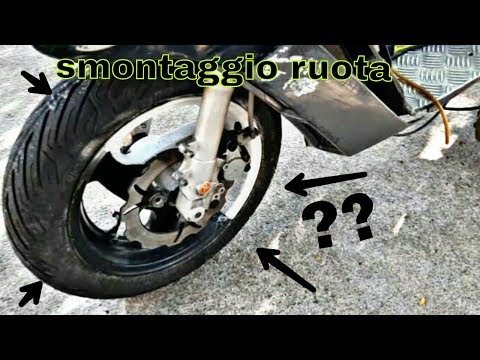
In this video tutorial, you will learn how to remove the front wheel of a Malaguti Phantom F12 scooter in simple and quick steps. First, position you…
|
How to Replace the Headlight Bulb on the SYM Bonus 110 Scooter?
As shown in this tutorial, replacing the headlight bulb on the SYM Bonus 110 scooter is a very simple and quick task. Before proceeding, ensure the key is not inserted for safety. Start by removing both mirrors, then unscrew all the screws securing the front fairing and separate it from the handlebars. Finally, disconnect the power connector, unscrew the bulb holder screws, and remove the bulb from the headlight. Fit the replacement bulb, avoiding direct contact with the glass using bare hands. by ScegliAuto More videos
|
|
For advertising on this site Write to info@scegliauto.com
ScegliAuto is not responsible for any inaccuracy of the data in the lists. To report any inaccuracy or your business (if you own the business in question), please write to info@scegliauto.com
Number of seconds to generate the page: 0.036
(c) ScegliAuto 2026 - info@scegliauto.com - Privacy policy VAT number: IT01247470535 |
