
|
Do it yourself
| |||
| ||||


Installing an Interface on a Standard Car Radio
Model: Mazda 6
GG, MK 1
- Years:
2002, 2003, 2004, 2005, 2006, 2007, 2008
Video tutorial
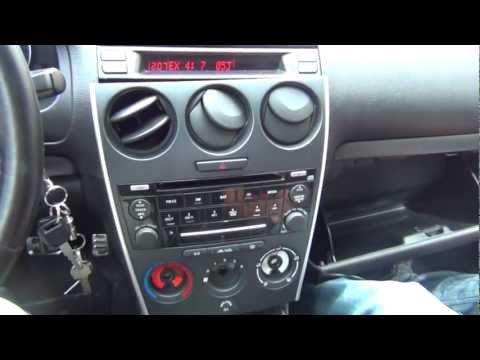
This video shows how to install an interface on a standard car radio. First, unscrew the gear knob and position it in R, remove the cup holder and the gear trim, both secured by clips, and disconnect any wiring. Next, remove the climate control knobs and unscrew the screws located behind them; to remove the radio, you need to unscrew the other two screws under the climate control knobs and one screw located on the side accessible from the glove compartment. Once these steps are completed, you can extract the radio simply by pulling it out; locate the socket to connect the interface and position it where it is most convenient. Reassemble everything and test if it works by pressing the CD button.
Updated on 9 February 2026 by ScegliAuto
Related tutorials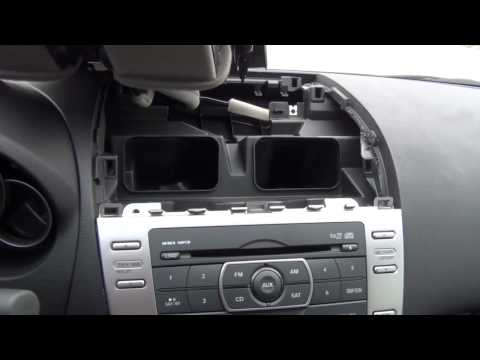
Mazda 6
(2008-2012 /
MK 2, GH)
To install an Aux input, it is necessary to remove the car radio to which the kit's control unit and the corresponding output cable will be connected…
Mazda 6
(2002-2008 /
GG, MK 1)
For this installation, you need a screwdriver and a ratchet spanner with an extension, along with the accessory kit. Start by removing the gear knob …

Mazda 6
(2002-2008 /
GG, MK 1)
Adding an AUX output to your car radio means you can connect any device that has a minijack output. This can be useful for listening to music or conn…
Other guides you may be interested in
|
How to enter the radio code in the Opel Zafira?
In the Opel Zafira, it may happen that the radio locks and consequently requests the appropriate security code, especially after disconnecting or replacing the battery. The code can be found in the documents provided at purchase or through one of the various online recovery services. Once obtained, enter it by following the procedure shown in this tutorial. First, switch on the instrument panel, then press and hold both the "AS" button and the left knob for about 5 seconds. Next, enter the first digit by repeatedly pressing the "1" button, continue with the next 3 buttons, and save the setting by pressing the "AS" button again. by ScegliAuto More videos
|
|
For advertising on this site Write to info@scegliauto.com
ScegliAuto is not responsible for any inaccuracy of the data in the lists. To report any inaccuracy or your business (if you own the business in question), please write to info@scegliauto.com
Number of seconds to generate the page: 0.014
(c) ScegliAuto 2026 - info@scegliauto.com - Privacy policy VAT number: IT01247470535 |
