
|
Do it yourself
| |||
| ||||


How to reset the infotainment screen on Mazda 3.
Model: Mazda 3
MK 3, BM, BN
- Years 2013-2019
In this video, we see how to reset the screen of a Mazda 3 that has "frozen" and requires a hard reset. We need to use the buttons on the central console, the music, navigation, and volume buttons, and press all three together for about 10 seconds. This will reset the system. The tablet will turn off, and when it does, we can release the buttons and see the system reboot. We can then try to navigate through the various options to see if the system is working properly. The system may still be a bit slow, but we can use an OBDII reader to connect to the EOBD port and check for any errors on the ECU and possibly clear them. However, in most cases, the hard reset is sufficient.
Posted on 8 June 2023 by ScegliAuto
Video tutorial
Related tutorials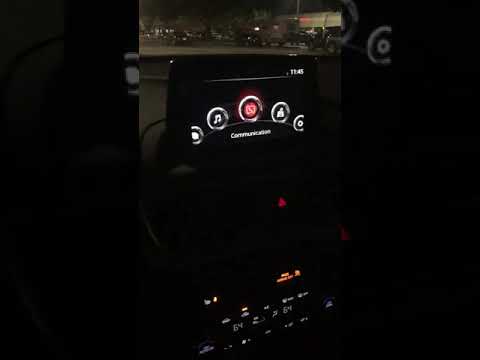
Mazda 3
(2013-2019 /
MK 3, BM, BN)
In the Mazda 3, it can happen that the Infotainment system freezes or shows various signs of malfunction. In these cases, it is possible to try to so…
Mazda 3
(2013-2019 /
MK 3, BM, BN)
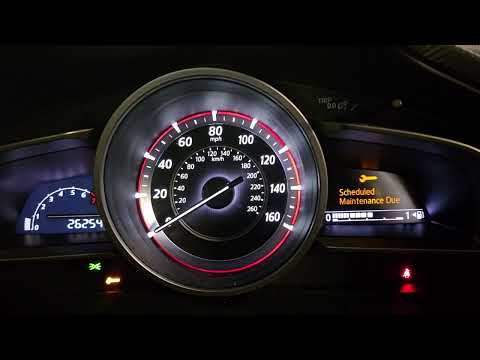
If you own a 2016 Mazda 3 and want to find out the steps you need to follow to complete the manual reset of the service light that keeps coming on th…
Mazda 3
(2013-2019 /
MK 3, BM, BN)
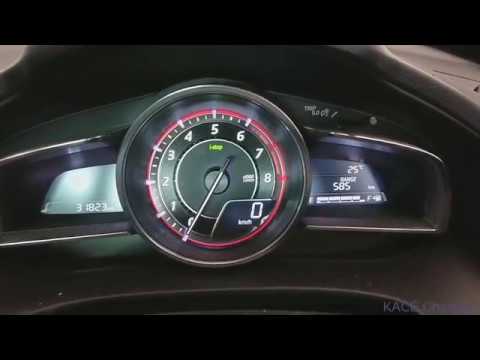
To reset the "i-stop" warning light on the Mazda 3, start by turning on the instrument panel and then starting the car's engine. Once the engine is r…
Other guides you may be interested in |
Frequently Asked QuestionsHow to Remove the Steering Wheel Airbag on a Fiat Panda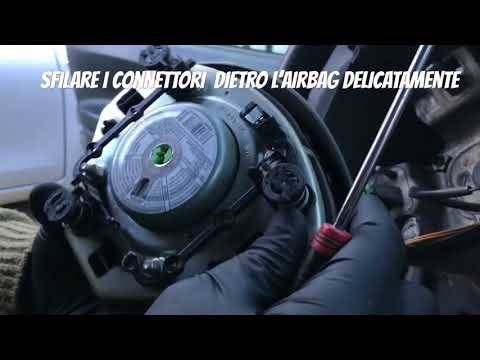
How to remove the steering wheel airbag on a Fiat Panda? Before removing the car's steering wheel, disconnect the battery terminals located in the engine bay. Here's how to proceed with the removal: remove the inspection caps at the back of the steering wheel (if present), then unscrew the screws/fasteners of the steering wheel cover (where the airbag is located) using a socket wrench or screwdriver. Once the airbag is released (driver's side), disconnect the power connectors and remove it from the steering wheel. For reassembly of the airbag: connect the power connectors and fit the airbag with the screws. by ScegliAuto More videos
|

|
For advertising on this site Write to info@scegliauto.com
ScegliAuto is not responsible for any inaccuracy of the data in the lists. To report any inaccuracy or your business (if you own the business in question), please write to info@scegliauto.com
Number of seconds to generate the page: 0.043
(c) ScegliAuto 2026 - info@scegliauto.com - Privacy policy VAT number: IT01247470535 |
