
|
Do it yourself
| |||
| ||||


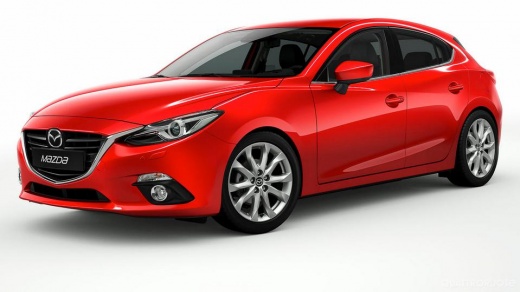
How to Reset the Infotainment Screen on a Mazda 3
Model: Mazda 3
BM, BN, MK 3
- Years:
2013, 2014, 2015, 2016, 2017, 2018, 2019
Video tutorial
In this video, you will see how to reset the screen of a Mazda 3 that has 'frozen', requiring a 'hard reset'. You need to use the buttons on the central console: the music button, the navigation button, and the volume button. Press all three together for about 10 seconds. This will restore the system. The tablet will turn off, and when this happens, you can release the buttons and see that the system restarts. Check if the system now allows you to navigate through the various options. You may notice that the system is still a bit slow. With an OBDII reader, you can connect to the EOBD port and check for any errors on the ECU and possibly clear them. However, in most cases, the hard reset is sufficient.
Updated on 31 July 2026 by ScegliAuto
Related tutorials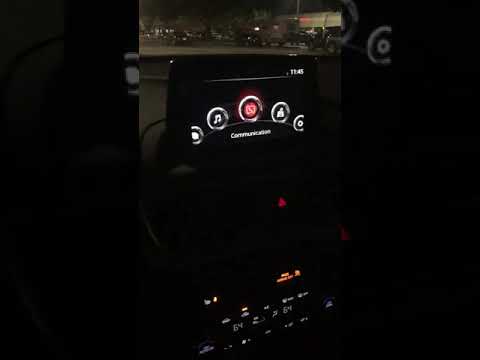
Mazda 3
(2013-2019 /
BM, BN, MK 3)
In the Mazda 3, the Infotainment system may freeze or show various signs of malfunction. In these cases, you can try to resolve the issue by performi…
Mazda 3
(2013-2019 /
BM, BN, MK 3)
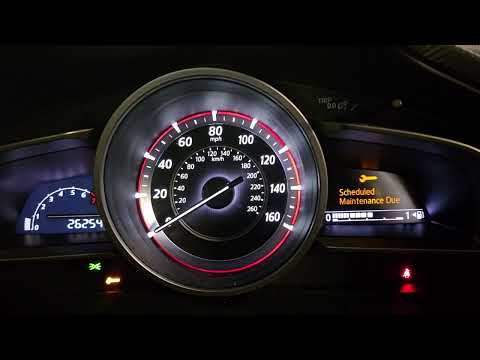
If you own a 2016 Mazda 3 and want to know the steps to manually reset the service light that keeps illuminating on the dashboard despite the recent …

Mazda 3
(2009-2013 /
BL, MK 2)
To reset the onboard computer of the Mazda 3, remove the small trim panel located in the centre of the dashboard, just to the left of the display. On…
Other guides you may be interested in |
How to Reset the Tyre Pressure Warning Light on the Jeep Renegade?
To reset the tyre pressure warning light on the Jeep Renegade, inflate the tyres until they reach the recommended pressure: this value is indicated on the sticker attached to the driver’s door pillar. Once the tyres are properly inflated, navigate through the menu that appears on the instrument cluster until you find the tyre pressure option. At this point, press and hold the OK button on the right side of the steering wheel to make the warning light disappear. by ScegliAuto More videos
|
|
For advertising on this site Write to info@scegliauto.com
ScegliAuto is not responsible for any inaccuracy of the data in the lists. To report any inaccuracy or your business (if you own the business in question), please write to info@scegliauto.com
Number of seconds to generate the page: 0.009
(c) ScegliAuto 2026 - info@scegliauto.com - Privacy policy VAT number: IT01247470535 |
