
|
Do it yourself
| |||
| ||||


To reset the maintenance light on the Mazda CX5.
Model: Mazda CX-5
KE, MK 1
- Years 2012-2017
In the following guide dedicated to your Mazda CX5 first generation (year 2012-2017), we will discover together how to manually reset the orange maintenance light that appears on the instrument panel of the car, even though the regular service has been performed. First of all, turn on the instrument panel in diagnostic mode by pressing the dedicated button twice. Then enter the onboard computer menu and select the "Applications" option. Immediately after, select the "Maintenance" and "Tire Rotation" options. Finally, click on "Reset" and confirm the reset of the maintenance light.
Posted on 22 December 2023 by ScegliAuto
Video tutorial
Related tutorials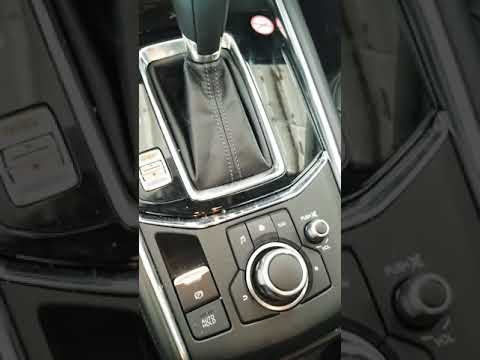
Mazda CX-5
(2017-2024 /
MK 2)
Let's see through this short video guide the whole process necessary to reset the maintenance light on our second-generation Mazda CX5, a model produ…
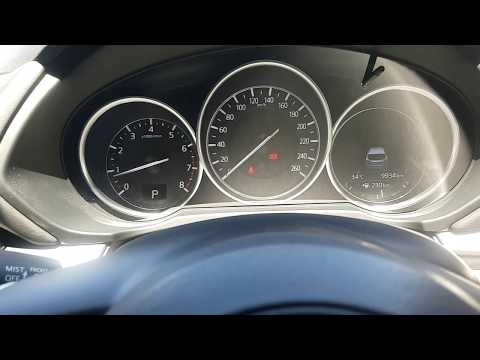
Mazda CX-5
(2017-2024 /
MK 2)
To reset the service light on a second generation Mazda CX5 (2017/2023), we must first start the vehicle, then use the central knob located on the ce…
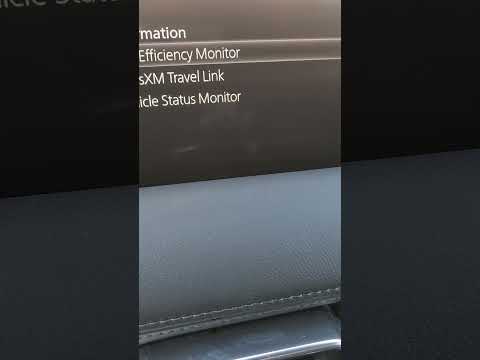
Mazda CX-5
(2017-2024 /
MK 2)
If you own the new 2023 Mazda CX5 and want to learn how to properly reset the engine oil indicator, all you have to do is follow these steps. First, …
Other guides you may be interested in
|
Frequently Asked QuestionsReset Tyre Pressure Light Toyota Yaris 2016
Due to advancements in onboard electronics, many vehicles are equipped with various sensors that monitor several operating parameters, including tyre pressure. Even if the pressure is correct, the warning light may sometimes illuminate on the dashboard. First, check with a gauge that the pressure in all 4 tyres matches the manufacturer's specifications. For the 2016 Toyota Yaris, the values are as follows: Front: 2.2 bar for T-type tyres, 2.3 for H-type, 2.4 for W-type. Rear: 2.2 bar for all tyre types. To reset the pressure light, turn on the ignition with the key, locate the reset button under the steering column. Press it for 3 seconds, and the light will flash 3 times before turning off. Remove the key from the ignition and start the vehicle. by ScegliAuto More videos
|

|
For advertising on this site Write to info@scegliauto.com
ScegliAuto is not responsible for any inaccuracy of the data in the lists. To report any inaccuracy or your business (if you own the business in question), please write to info@scegliauto.com
Number of seconds to generate the page: 0.047
(c) ScegliAuto 2026 - info@scegliauto.com - Privacy policy VAT number: IT01247470535 |
