
|
Do it yourself
| |||
| ||||


Mercedes Glk - BatteryBattery Mercedes Glk (2008-2015 / mk 1) Mercedes Glk (2008-2015 / MK 1) Battery replacement for Mercedes GLK These short and simple instructions will show us how to disassemble and replace the battery of the Mercedes GLK. First of all, we open the hood of the car and …Read all… Posted on 8 February 2025 by ScegliAuto 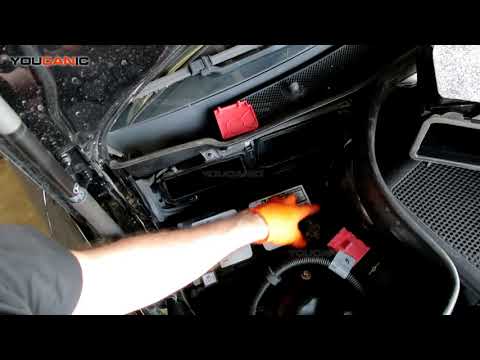 Mercedes Glk (2008-2015 / MK 1) How to Replace the Battery in a Mercedes GLK In this brief and simple guide, remove and replace the battery in your Mercedes GLK. First, open the bonnet and start by removing the air duct located at the …Read all… Posted on 9 September 2026 by ScegliAuto 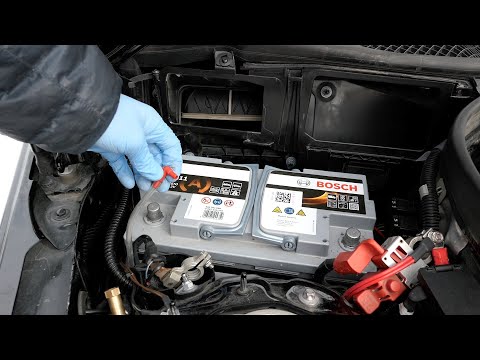 Mercedes Glk (2008-2015 / MK 1) How to Change the Battery on a Mercedes GLK How do you change the battery on a Mercedes GLK? Let's look at the removal and replacement of the battery. Open the front bonnet and locate the battery to be …Read all… Posted on 23 May 2026 by ScegliAuto  Mercedes Glk (2008-2015 / MK 1) Disconnecting/Replacing Battery on Mercedes GLK 350 The video shows the procedure for replacing the battery on a Mercedes GLK 350. Open the bonnet; the battery is located under a plastic cover in the upper right …Read all… Posted on 14 April 2026 by ScegliAuto  Mercedes Glk (2008-2015 / MK 1) How to Replace the Battery in a Mercedes GLK Key Remote Have you tried to open your Mercedes with the remote, but unfortunately, it did not respond? It probably showed signs of a dying battery, but you didn't …Read all… Posted on 2 April 2026 by ScegliAuto Airbag (1) Car stereo (1) Battery (5) Transmission (2) Key (2) Timing belt (1) Onboard computer (1) Checks and maintenance (4) Dashboard (1) Shifter boot (1) Brake rotors (1) Headlight (2) Air filter (4) Cabin air filter (3) Light bulb (1) Headlight bulb (4) Tail light bulb (1) Engine oil (3) Clock (5) Power window switch (1) Instrument cluster (2) Fuse box (17) Seat (1) Side mirror (1) Rearview mirror (1) AdBlue warning light (3) Warning light – error code (1) Tire pressure warning light (1) Service warning light (24) Fuel cap (1) Drivetrain (1) |
How to Reset the Tire Pressure Light on a MG ZS?
On the instrument cluster of the MG ZS, the tire pressure light that appears can be reset by inflating the tires to the correct pressure: this value will be indicated on the sticker attached to the driver's door pillar. Once the tires have been properly inflated, you can turn on the instrument cluster and navigate through the menu until you find the option that indicates tire pressure: if this screen shows the new values, the light will turn off; otherwise, you will need to drive for a few miles so that the sensors can read the new values and turn off the light afterward. by ScegliAuto More videos
|
|
For advertising on this site Write to info@scegliauto.com
ScegliAuto is not responsible for any inaccuracy of the data in the lists. To report any inaccuracy or your business (if you own the business in question), please write to info@scegliauto.com
Number of seconds to generate the page: 0.006
(c) ScegliAuto 2026 - info@scegliauto.com - Privacy policy VAT number: IT01247470535 |
