
|
Do it yourself
| |||
| ||||



How to check the electronic oil level of the Mercedes GLB
Model: Mercedes Glb
MK 1
- Years 2019-2026
Video tutorial
Detailed instructions - Today we will explain a hidden function of the on-board computer of the Mercedes GLB, in fact, through the electronic oil level control function, we can know the exact amount of engine oil present in the tank. To check the oil level, we need to turn on the instrument panel and from the menu, select the "maintenance" option; from the maintenance menu, scroll to the "oil level" option. A hourglass with several notches divided into maximum and minimum will be displayed on the screen. If the oil level is perfectly balanced between maximum and minimum, no maintenance is necessary, if instead the oil level approaches the minimum notch it is good to top up the oil in the tank.
Posted on 16 February 2025 by ScegliAuto
Related tutorials
Mercedes Glb
(2019-2026 /
MK 1)
Below you can find information on how to replace the coolant in your Mercedes GLB. The steps are really very simple and quick, and they are as follow…

Mercedes Glb
(2019-2026 /
MK 1)
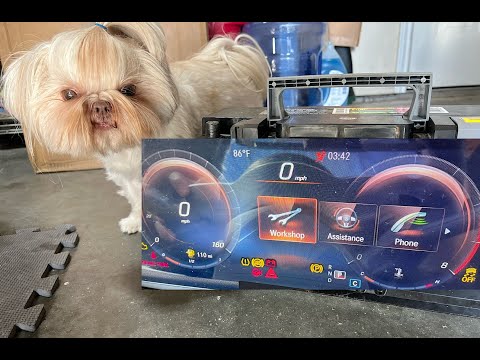
To reset the Service light on the Mercedes GLB, you will need to turn on the instrument panel by pressing the appropriate power button. Once the pane…
Mercedes Glb
(2019-2026 /
MK 1)
In today's video, see how to reset the service light on the Mercedes GLB. This tutorial may also apply to other contemporary models from the German m…
Other guides you may be interested in
|
How to set the time on the Citroen C3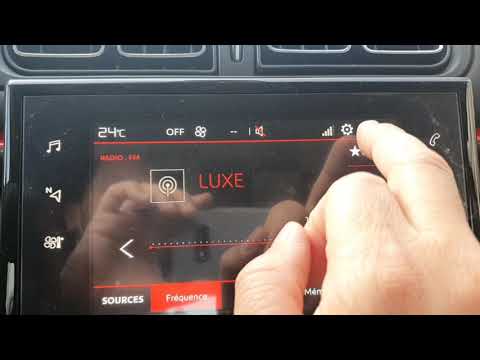
Today, we will look at the instructions that will allow you to adjust the time on the Citroen C3. First, get inside the vehicle and turn on the instrument panel; then go to the settings menu and subsequently to the time option, as shown in the video. At this point, go to the time setting and adjust the format, hour, and minutes; exit the settings menu to save the time displayed at the top of the screen, performing the same operation whenever it is necessary to change the time. by ScegliAuto More videos
|
|
For advertising on this site Write to info@scegliauto.com
ScegliAuto is not responsible for any inaccuracy of the data in the lists. To report any inaccuracy or your business (if you own the business in question), please write to info@scegliauto.com
Number of seconds to generate the page: 0.103
(c) ScegliAuto 2026 - info@scegliauto.com - Privacy policy VAT number: IT01247470535 |
