
|
Do it yourself
| |||
| ||||


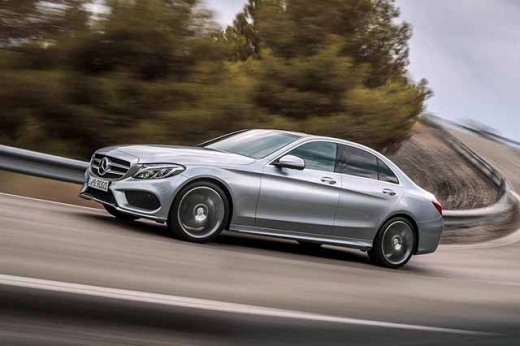
How to set the clock on the Mercedes C-Class
Model: Mercedes Classe C
W205
- Years:
2014, 2015, 2016, 2017, 2018, 2019, 2020, 2021
Video tutorial
Following these brief and simple instructions, we will see how to set the clock on the multimedia system of the Mercedes C-Class. First of all, we get into the car and start the instrument panel; then we use the central tunnel paddle to go to the car settings and then to the clock setting, as shown in the video. At this point, we set the hour and minutes, adjusting also the format and the date; finally, we exit the clock settings to save the changes made, turning off the panel and starting the engine!
Posted on 8 April 2025 by ScegliAuto
Related tutorials
Mercedes Classe C
(2007-2013 /
W204)
.. time on the central display of the Mercedes C-Class, in simple and quick steps. First of all, we get on board the car and start the instrument panel;.. …

Mercedes Classe C
(2000-2007 /
W203)
.. the time on the instruments of the Mercedes C-Class model W 203. To perform this operation, we need to get into the car and turn on the instrument.. …

Mercedes Classe C
(2007-2013 /
W204)
.. us to adjust the date and time of the Mercedes C-Class. First of all, we get on board the car and start the instrument panel; then we press the system.. …
Other guides you may be interested in
|
Where is the Comfort Control Module in an Audi A3?
The comfort control module in the Audi A3 manages several systems in the car, such as central locking, electric windows, courtesy lights, etc. It is located on the side of the boot, on the passenger side. To access it, lower the rear seat backs to detach the side plastic panel of the boot. Underneath, you will find the device, which can be removed from its housing by unscrewing the fixing screws and disconnecting the appropriate connectors. by ScegliAuto More videos
|
For advertising on this site Write to info@scegliauto.com
ScegliAuto is not responsible for any inaccuracy of the data in the lists. To report any inaccuracy or your business (if you own the business in question), please write to info@scegliauto.com
Number of seconds to generate the page: 0.188
(c) ScegliAuto 2026 - info@scegliauto.com - Privacy policy VAT number: IT01247470535 |
