
|
Do it yourself
| |||
| ||||


How do you reset the service indicator on a Mercedes-Benz A-Class 220?
Model: Mercedes Classe A
W177
- Years 2018-2026
Resetting the service indicator is a simple operation that you can complete in a few minutes without tools. Get in the car, close the doors, and without starting the engine, press the Start/Stop button once to turn on the dashboard. Use the touchpad buttons on the steering wheel to navigate to the "Maintenance" or "Service" section. Find the "Reset maintenance interval" option and confirm by holding down OK. If prompted, select the type of oil used and confirm again. At this point, turn off the dashboard and turn it back on to make sure the message has disappeared. If you prefer not to go through this procedure alone, contact a professional workshop.
Posted on 15 September 2025 by ScegliAuto
Video tutorial
Related tutorials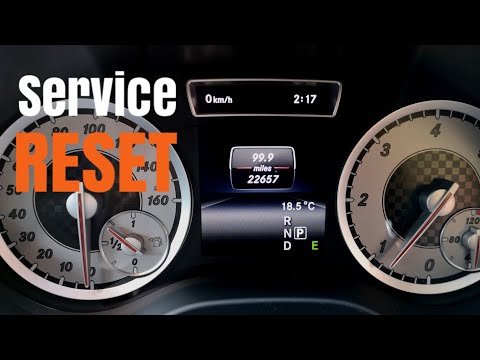
Mercedes Classe A
(2012-2018 /
W176)
.. How to reset the service light on a Mercedes-Benz A-Class? Follow the video. Enter the cabin, turn on the ignition (you will see the maintenance light.. …

Mercedes Classe A
(2004-2012 /
W169)
.. to reset the maintenance light on a Mercedes-Benz A-Class. First, get in the vehicle and turn on the ignition. Next, press the button located at the.. …
Mercedes Classe A
(2012-2018 /
W176)
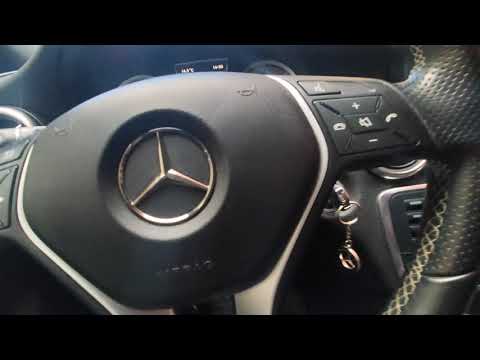
.. light for routine maintenance on a Mercedes-Benz A-Class. First, turn the key to position 1. Then, press the call button on the right side of the.. …
Other guides you may be interested in
|
How to Repair the Key Spring of the Peugeot 207?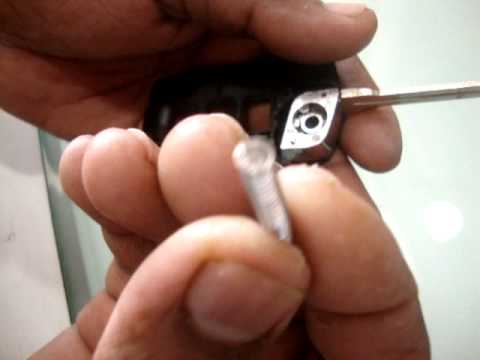
Over time, frequent use of the key's flip mechanism in the vehicle, dozens of times a day, inevitably leads to wear of the internal spring. As shown in this video, replacing the spring is quite simple and takes little time. After opening the casing halfway, first position the key, then the spring housing, and finally insert the spring into the previously mentioned housing. Close the casing by rotating it clockwise, ensuring all components fit perfectly, and test the key's flip mechanism. by ScegliAuto More videos
|
|
For advertising on this site Write to info@scegliauto.com
ScegliAuto is not responsible for any inaccuracy of the data in the lists. To report any inaccuracy or your business (if you own the business in question), please write to info@scegliauto.com
Number of seconds to generate the page: 0.078
(c) ScegliAuto 2026 - info@scegliauto.com - Privacy policy VAT number: IT01247470535 |
