
|
Do it yourself
| |||
| ||||


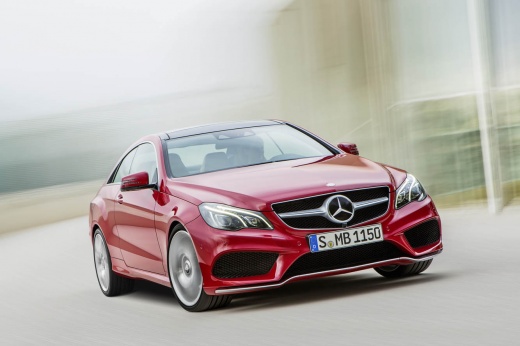
How do you replace the camshaft sensor on a Mercedes E-Class?
Model: Mercedes Classe E
W212
- Years:
2009, 2010, 2011, 2012, 2013, 2014, 2015, 2016
Video tutorial
It will be possible to replace the camshaft sensor of the Mercedes E-Class by opening the hood to access the internal components of the engine compartment. Here, you can proceed by removing the cover at the top of the engine block and then also removing the pulley that controls the movement of the camshaft. Once the pulley is removed, you will be able to locate the sensor at its rear: you will need to disconnect it and then insert the new replacement part. After that, you will need to reassemble all the necessary components, ensuring that everything functions correctly.
Posted on 3 December 2025 by ScegliAuto
Related tutorials
Mercedes Classe E
(2002-2009 /
W211)
.. the camshaft sensor is located in the Mercedes E-Class and how to proceed if you need to replace it, a very simple and quick operation. As shown, the.. …

Mercedes Classe E
(2016-2023 /
W213)
In this video, you will see how to check the base position of the camshaft on the Mercedes OM654 engine, a fundamental operation in case of timing is…
Mercedes Classe E
(2002-2009 /
W211)
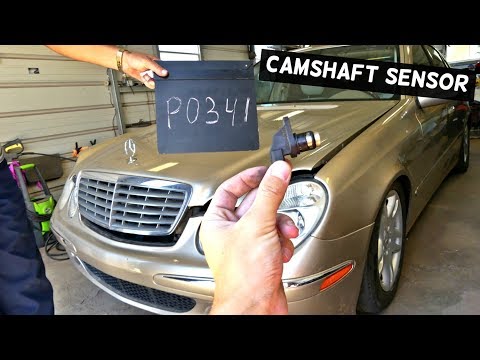
If the engine struggles to start, especially when hot, and the warning light comes on, begin by checking the trouble codes in the engine management c…
Other guides you may be interested in |
How to Activate the Disabled TRC on the Toyota Yaris?
As the video clearly shows, disabling or activating the traction control (TRC or ESP) on the Toyota Yaris is very simple. By default, the traction system activates every time the vehicle is started. To disable it, simply press the button depicting a skidding car located in the centre of the vehicle where the controls are, such as the hazard lights and the radio, but near the handbrake. Once disabled, the TRC off light will illuminate on the dashboard. To reactivate it, just press the same button again. by ScegliAuto More videos
|
|
For advertising on this site Write to info@scegliauto.com
ScegliAuto is not responsible for any inaccuracy of the data in the lists. To report any inaccuracy or your business (if you own the business in question), please write to info@scegliauto.com
Number of seconds to generate the page: 0.073
(c) ScegliAuto 2026 - info@scegliauto.com - Privacy policy VAT number: IT01247470535 |
