
|
Do it yourself
| |||
| ||||


How to reset the tire warning light on the 2025 Mercedes GLE
Model: Mercedes Gle
V167
- Years 2019-2026
In the following guide aimed at those of you who own the new 2025 Mercedes GLE, we will describe all the various steps you need to take to complete the manual reset procedure for the tire warning light. First of all, reach the driver's seat inside the vehicle, then start the instrument cluster and press the "OK" button located on the left side of the steering wheel to enter the settings menu. At this point, select the "Tire pressure" option and then confirm the reset of the warning light. Once the operation is complete, you can turn off the car's ignition.
Posted on 29 January 2026 by ScegliAuto
Video tutorial
Related tutorials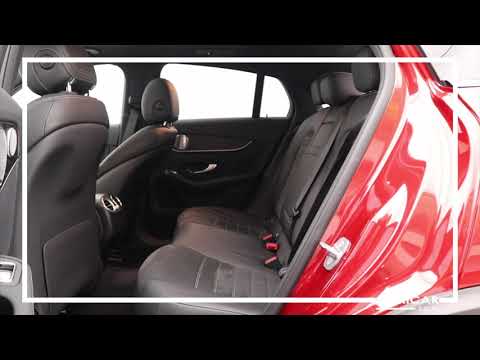
Mercedes Gle
(2019-2026 /
V167)
Before starting, open the rear hatch of the Mercedes GLE. This will give you access to the buttons that release the latches securing the rear seatbac…
Mercedes Gle
(2019-2026 /
V167)
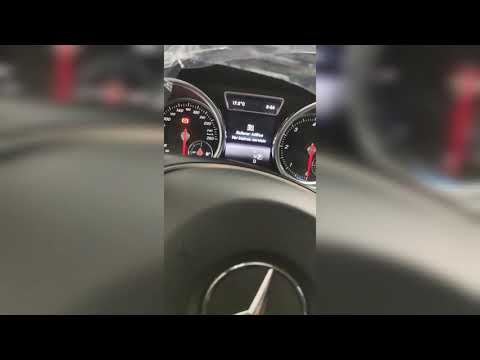
To reset the AdBlue light on the Mercedes GLE, first, refill the fluid inside the vehicle. Open the fuel filler flap and unscrew the blue cap. Pour i…
Mercedes Gle
(2019-2026 /
V167)
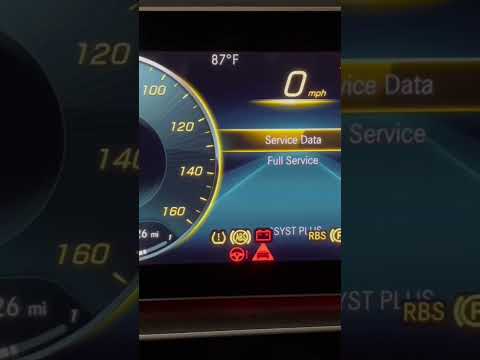
After changing the engine oil of the Mercedes GLE, it is necessary to reset the control system that warns us of the need for maintenance. Sit in the …
Other guides you may be interested in
|
How to reset the tire pressure sensor of the Hyundai Tucson
Below we will discover the instructions that will allow us to reset the tire pressure warning light (TPMS) of the Hyundai Tucson. First of all, we get into the car and turn on the instrument panel; then we go to the vehicle settings until we reach the tire pressure monitor, identifying the tire with the incorrect pressure. At this point, we proceed to restore all tire pressures, following the pattern indicated on the label; in this way the TPMS system will be reset and the warning light will be reset by the instrument panel! by ScegliAuto More videos
|

|
For advertising on this site Write to info@scegliauto.com
ScegliAuto is not responsible for any inaccuracy of the data in the lists. To report any inaccuracy or your business (if you own the business in question), please write to info@scegliauto.com
Number of seconds to generate the page: 0.086
(c) ScegliAuto 2026 - info@scegliauto.com - Privacy policy VAT number: IT01247470535 |
