
|
Do it yourself
| |||
| ||||


Reset Tire Pressure Light on Mercedes A-Class W169
Model: Mercedes Classe A
W169
- Years 2004-2012
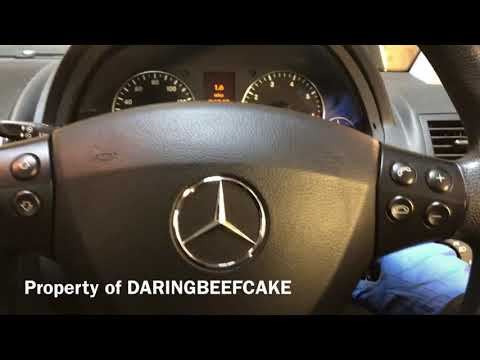
Get in the car and, using the appropriate key, turn on the engine. Now use the buttons on the steering wheel, to your left: specifically, press the button at the bottom left to scroll through the various sections of the menu. When you are on the odometer page, click one of the two arrows, and a message will appear asking if you want to reset the pressure indicator. At this point, press the button on the instrument cluster, then confirm the reset with the + button on your right, also on the steering wheel. Turn off the ignition and turn it back on for a final check.
Updated on 13 April 2026 by ScegliAuto
Video tutorial
Related tutorials
Mercedes Classe A
(2004-2012 /
W169)
In this guide, we will go through the steps and procedure to reset the tire pressure light on the Mercedes A-Class; before resetting the TPMS sensors…
Mercedes Classe A
(2004-2012 /
W169)
.. light for the engine oil change on a Mercedes A-Class W169. First, get inside the vehicle and turn on the ignition; now access the onboard computer menu.. …
Mercedes Classe A
(2012-2018 /
W176)
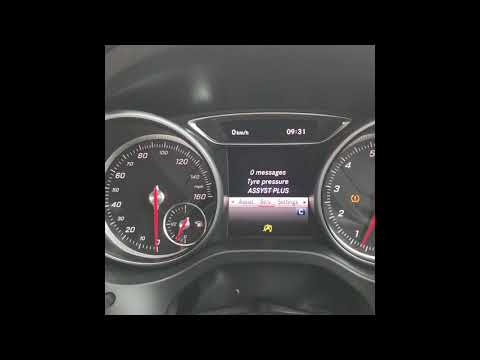
In this video tutorial, you will learn how to reset the Tire Pressure Monitoring System (TPMS) light on a Mercedes A180, third generation. Before per…
Other guides you may be interested in
|
How to Open the Fuel Filler Flap on a Hyundai i20?
In this tutorial, you will see how to open the fuel filler flap on a Hyundai i20, a very simple operation similar to that of many vehicles. First, go inside the cabin; it is not necessary to insert the key or unlock all the locks, then locate and operate the lever situated in the lower left area of the cabin, right next to the driver's seat. Once done, exit the vehicle, fully open the flap, and unscrew the fuel cap. To close the flap, simply press it gently until you hear a click. by ScegliAuto More videos
|

|
For advertising on this site Write to info@scegliauto.com
ScegliAuto is not responsible for any inaccuracy of the data in the lists. To report any inaccuracy or your business (if you own the business in question), please write to info@scegliauto.com
Number of seconds to generate the page: 0.137
(c) ScegliAuto 2026 - info@scegliauto.com - Privacy policy VAT number: IT01247470535 |
