
|
Do it yourself
| |||
| ||||


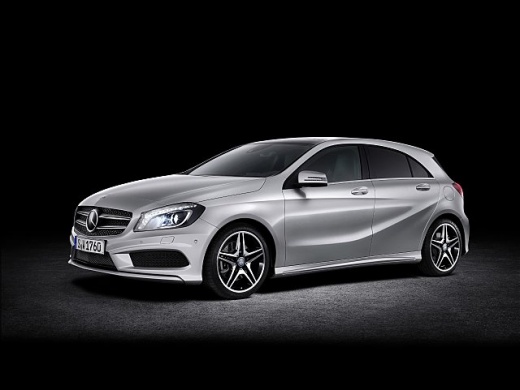
How to Replace the Key Fob Battery on a Mercedes A-Class
Model: Mercedes Classe A
W176
- Years:
2012, 2013, 2014, 2015, 2016, 2017, 2018
Video tutorial
To replace the key fob battery on a Mercedes A-Class, first extract the mechanical key by pressing the small release button on the fob. Once removed, insert the key into the slot of the shell and gently use it to pry off the back cover of the fob. Then, remove the battery holder and take out the dead battery, paying attention to the position of the terminals. Insert a new battery of the same type, ensuring the polarity matches the holder. Reinsert the battery holder into its place and close the back cover by pressing it until it clicks securely. Finally, reinsert the mechanical key into the fob and test the lock and unlock buttons to ensure the remote works properly.
Posted on 22 August 2026 by ScegliAuto
Related tutorials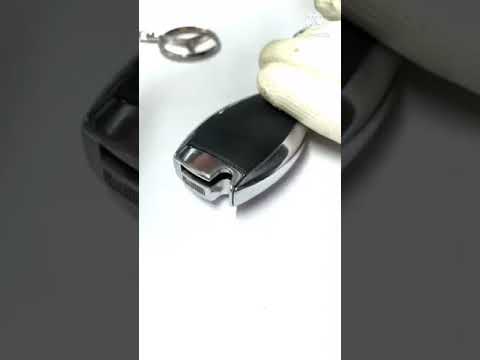
Mercedes Classe A
(2004-2012 /
W169)
.. the battery in the key fob for the Mercedes A-Class W169, as well as the B-Class W246 and C-Class W204. First, take your key fob and remove the physical.. …
Mercedes Classe A
(2018-2026 /
W177)
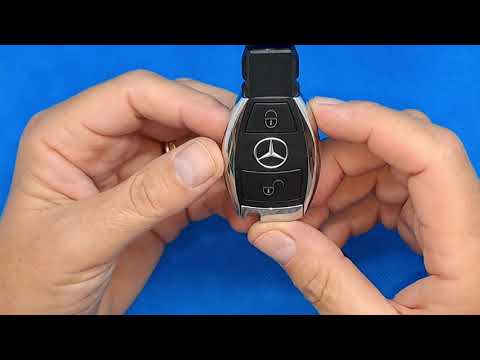
.. battery inside the key fob for the Mercedes A-Class depletes, and you need to replace it. On the back of the key fob, slide the button to release the.. …

Mercedes Classe A
(2004-2012 /
W169)
.. the battery in the key remote for the Mercedes A-Class W169, as well as the C-Class and B-Class. First, take your remote and remove the physical key from.. …
Other guides you may be interested in
|
Frequently Asked QuestionsHow to Set the Time in an Audi A4?
In this tutorial, you will see how to set the time in an Audi A4, a very simple and quick operation to perform after replacing the battery or when the time changes. First, insert the key and turn on the instrument cluster. Then, press the "SETUP" button located on the center console. Next, press the upper left arrow button, navigate to the "Time" option, and use the central knob to adjust the clock. Finally, set any necessary formats and save by returning to the main screen. by ScegliAuto More videos
|
|
For advertising on this site Write to info@scegliauto.com
ScegliAuto is not responsible for any inaccuracy of the data in the lists. To report any inaccuracy or your business (if you own the business in question), please write to info@scegliauto.com
Number of seconds to generate the page: 0.120
(c) ScegliAuto 2026 - info@scegliauto.com - Privacy policy VAT number: IT01247470535 |
