
|
Do it yourself
| |||
| ||||


How to Reset the Service Light on a Mercedes C-Class
Model: Mercedes Classe C
W205
- Years 2014-2021
In today's video, learn how to reset the service light on a Mercedes C-Class. First, perform this operation only after completing the recommended maintenance outlined in the owner's manual. Once that's done, proceed. Turn the key and switch on the instrument panel; simultaneously, press and hold the down arrow button and the phone button on the steering wheel. After a few seconds, the operation should be complete, and you can continue driving the car.
Updated on 7 August 2026 by ScegliAuto
Video tutorial
Related tutorials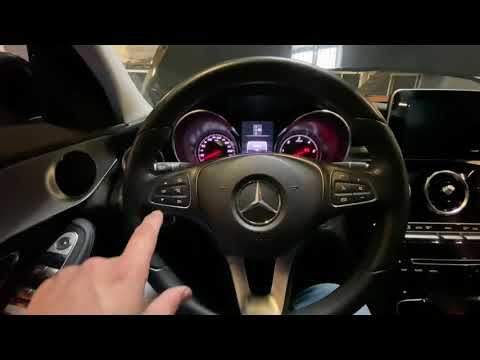
Mercedes Classe C
(2014-2021 /
W205)
.. To reset the service light on a Mercedes-Benz C-Class, follow these steps: Turn on the vehicle and ensure all doors are closed. Access the main menu.. …
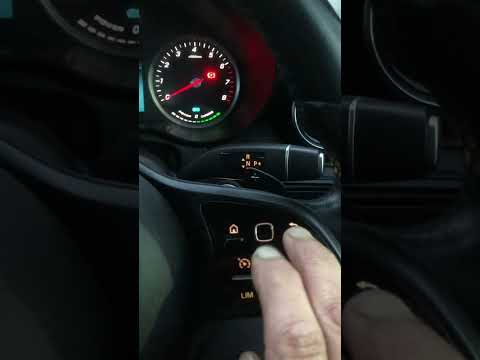
Mercedes Classe C
(2014-2021 /
W205)
..o reset the "Service" light on our Mercedes C-Class. Start by sitting in the driver’s seat, then turn on the ignition by pressing the start button. Nex.. …
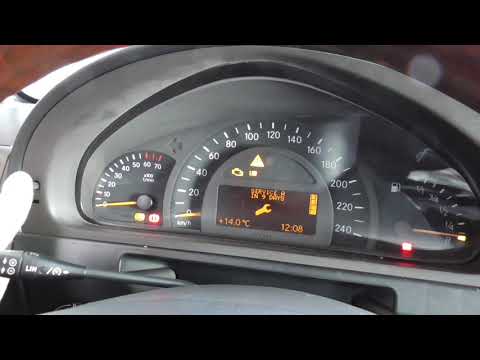
Mercedes Classe C
(2000-2007 /
W203)
.. To reset the Service light on the Mercedes C-Class, turn on the ignition by turning the key in the ignition switch. Once the instrument panel is on,.. …
Other guides you may be interested in
|
Frequently Asked QuestionsResetting the Tyre Pressure Warning Light on the Hyundai I20
The following instructions will show you how to reset the tyre pressure warning light on the Hyundai I20; before performing the reset, ensure that all four tyres are at the correct operating pressure. Then, get in the vehicle and turn on the ignition; press and hold the TPMS button located on the controls to the left of the steering wheel, as well as on the dashboard, as shown in the video. If the tyre pressures are correct, the warning light will automatically reset on the instrument panel; finally, turn off the ignition and start the engine! by ScegliAuto More videos
|
|
For advertising on this site Write to info@scegliauto.com
ScegliAuto is not responsible for any inaccuracy of the data in the lists. To report any inaccuracy or your business (if you own the business in question), please write to info@scegliauto.com
Number of seconds to generate the page: 0.134
(c) ScegliAuto 2026 - info@scegliauto.com - Privacy policy VAT number: IT01247470535 |
