
|
Do it yourself
| |||
| ||||


How to Add Speed Cameras to the Mercedes Navigation System
Model: Mercedes Mercedes Various
In this video, you will learn how to add speed cameras to the Mercedes navigation system: you will only need a USB stick to download the speed camera package (for a fee) from the mbux-speedcamera.com website. The USB stick must be formatted to FAT32, and the file must be decompressed. Now, get in the car and proceed with the installation. Go to the navigator, settings, click on "advanced", then select "map elements" from here "symbols/special destinations" (where you need to have activated the display of special destinations) "personal special destinations" and here you will find all the speed cameras (and more). Each individual setting must be activated for display on the map, both visual and audible. The function that alerts you to these symbols is very useful, even if you are not using the navigator.
Updated on 6 September 2026 by ScegliAuto
Video tutorial
Related tutorials
Mercedes Mercedes Various
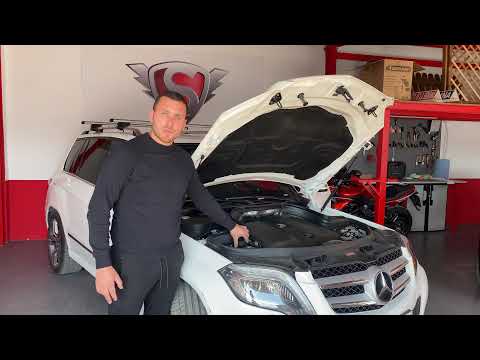
In this video, our YouTuber explains what Service "A" and Service "B" entail for Mercedes: Service "A" includes an oil change with the replacement of…
Mercedes Mercedes Various
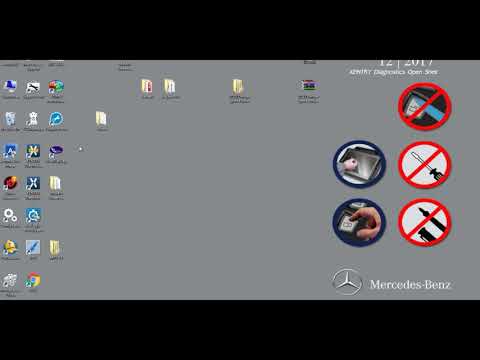
In this video we will see how to check the level of coolant on a Mercedes car: first of all it is important to know that you should always open the c…
Mercedes Mercedes Various
This guide shows how to update the Becker navigator on a Mercedes. First, remove the navigator unit from the glove compartment. At this point, connec…
Other guides you may be interested in |
Where is the Spare Wheel in the Peugeot 5008?
This video shows where the spare wheel is located in the Peugeot 5008 and how to access it, useful in case of a puncture. As shown, the wheel is not in the usual boot compartment but underneath it, outside the vehicle. To free the wheel, first gather the tools provided, then open the boot, locate the small indicated hatch, and open it. Next, loosen the bolt just released using the large socket wrench enough to lower the wheel to the ground. by ScegliAuto More videos
|
|
For advertising on this site Write to info@scegliauto.com
ScegliAuto is not responsible for any inaccuracy of the data in the lists. To report any inaccuracy or your business (if you own the business in question), please write to info@scegliauto.com
Number of seconds to generate the page: 0.058
(c) ScegliAuto 2026 - info@scegliauto.com - Privacy policy VAT number: IT01247470535 |
