
|
Do it yourself
| |||
| ||||


How to Set Ambient Lighting on the MG HS
Model: MG MG Various
Video tutorial
In this video, learn how to customise the ambient lights on your MG HS. Click on the car icon, then go to the comfort section, where you will see the switch for the ambient lights. Try turning it on to test this feature, then click on light control and set it to "individual". You can choose how to keep the lights: if set to "on", they will always be lit, even during the day; if set to "auto", they will only illuminate when the headlights are on. The "individual" setting allows you to select your preferred colour from many shades that will appear on the dashboard and front and rear doors. You can also adjust the brightness or set it to pulse mode, and choose to have a welcome light when you open the door or when you start driving, according to your preferences.
Updated on 5 September 2026 by ScegliAuto
Related tutorials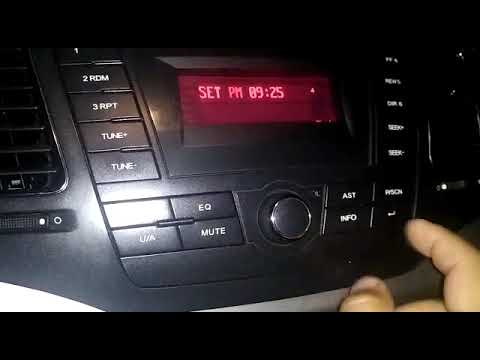
MG MG Various
In this tutorial, you will see how to set the time on the MG 350, a very simple and quick operation to perform after the battery has been flat or fol…
Other guides you may be interested in
|
How to Activate the Automatic Folding and Unfolding of the Wing Mirrors on the Jeep Compass
Follow these brief instructions to activate the automatic folding and unfolding of the external wing mirrors on the Jeep Compass. First, get inside the vehicle and turn on the ignition; then press the button located beneath the mirror glass adjustment to electrically open the mirror, as shown in the video. Pressing the button in the opposite direction will close the mirrors; by holding the button, the mirrors will open and close automatically! by ScegliAuto More videos
|
|
For advertising on this site Write to info@scegliauto.com
ScegliAuto is not responsible for any inaccuracy of the data in the lists. To report any inaccuracy or your business (if you own the business in question), please write to info@scegliauto.com
Number of seconds to generate the page: 0.072
(c) ScegliAuto 2026 - info@scegliauto.com - Privacy policy VAT number: IT01247470535 |
