
|
Do it yourself
| |||
| ||||


How to reset the TPMS light on the Mini Cooper
Model: Mini Mini
R56, R57, R55
- Years 2007-2014
When the TPMS light comes on in the Mini Cooper, it means that the tire pressure needs to be adjusted. Once this operation is done, you can proceed with resetting the light. To reset the light, we need to turn on the car's instrument panel and then press the BC button, located on the left lever of the steering wheel. Press the button until you select the INFO option, then scroll to select the TPMS option. Once the light is reset, you can return to the main menu and then turn off and on the car's instrument panel to complete the reset.
Posted on 2 December 2024 by ScegliAuto
Video tutorial
Related tutorials
Mini
(2007-2014 /
R56, R57, R55)
Today's information will show us how to reset the tire pressure warning light on the Mini Cooper; before performing the TPMS sensor reset, it is nece…

Mini
(2007-2014 /
R56, R57, R55)
Manually resetting the TPMS light on your Mini Cooper R56 (2013) is really simple. To complete the operation without any difficulty, just follow the …
Mini
(2001-2007 /
R52, R50, R53)
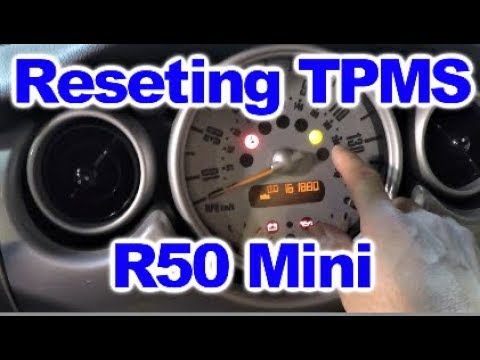
.. in tire pressure; let's briefly see how to reset the TPMS light on the Mini Cooper. After adjusting the pressure of all four tires to the.. …
Other guides you may be interested in
|
How to Replace the Radio in a Ford Focus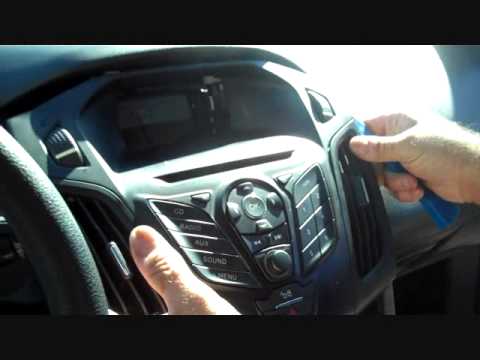
First, engage the handbrake and put the car in a low gear to prevent it from rolling during the replacement. Next, lift the bonnet to disconnect the battery cables and protect the electronic components. Unscrew the two screws located under the front panel of the stereo. Use a plastic lever to lift the bottom of the stereo. Disconnect the connector at the bottom and also remove the stereo lock at the back. Now, install the new stereo following the guides from the old one. by ScegliAuto More videos
|

|
For advertising on this site Write to info@scegliauto.com
ScegliAuto is not responsible for any inaccuracy of the data in the lists. To report any inaccuracy or your business (if you own the business in question), please write to info@scegliauto.com
Number of seconds to generate the page: 0.096
(c) ScegliAuto 2026 - info@scegliauto.com - Privacy policy VAT number: IT01247470535 |
