
|
Do it yourself
| |||
| ||||



How to reset the "Service" light on a Mini Countryman?
Model: Mini Mini
Countryman2, F60
- Years 2017-2023
Video tutorial
Detailed instructions - To reset the "Service" light on a Mini Countryman, start by turning on the instrument panel without starting the engine. Press the button located below the instrument panel twice to enter the service menu. Once in the menu, hold down the same button until the "Service" light turns off. This should reset the light and clear the maintenance reminder. Verify that the reset was done correctly by turning off and on the instrument panel. If the "Service" light does not turn on again, the reset on our Mini Countryman has been successfully completed.
Posted on 25 January 2025 by ScegliAuto
Related tutorials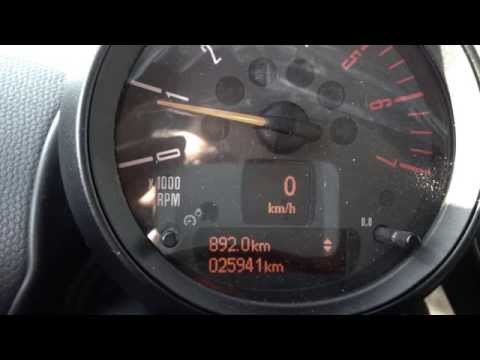
Mini
(2010-2016 /
Countryman1, R60)
Before you start, sit in the driver's seat of your Mini Countryman. Turn on the ignition by turning the key in the ignition switch. Next, press the "…
Mini
(2010-2016 /
Countryman1, R60)
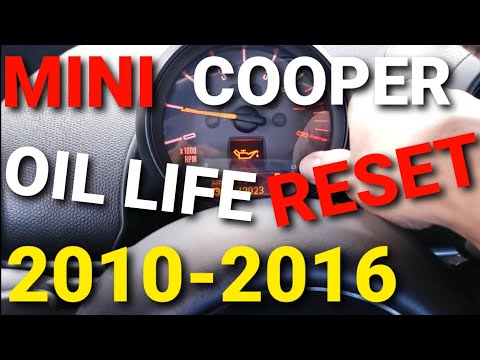
To reset the Service light on a Mini Countryman, first turn on the ignition. Then, press and hold the button to the right of the speedometer until th…
Mini
(2010-2016 /
Countryman1, R60)
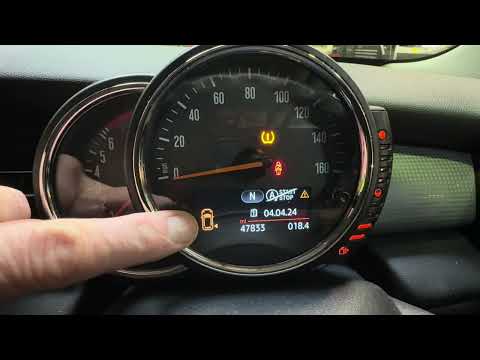
If the orange tyre warning light on your 2015 Mini Countryman remains illuminated, it means the control unit has detected abnormal pressure in the in…
Other guides you may be interested in
|
Frequently Asked QuestionsHow to set the clock on the Vespa 125 Primavera?
To set the clock on the Vespa 125 Primavera, press and hold the black button located just below the black knob on the bike: keep the button pressed until the hour number starts to flash. Once it is flashing, you can change the hours with single presses of the same button; then, by pressing and holding the button again, the hour number will stop flashing and the minute number will start to flash, which can be modified in the same way, confirming the input by holding the button. by ScegliAuto More videos
|
|
For advertising on this site Write to info@scegliauto.com
ScegliAuto is not responsible for any inaccuracy of the data in the lists. To report any inaccuracy or your business (if you own the business in question), please write to info@scegliauto.com
Number of seconds to generate the page: 0.067
(c) ScegliAuto 2026 - info@scegliauto.com - Privacy policy VAT number: IT01247470535 |
