
|
Do it yourself
| |||
| ||||


How do you reset the brake light in the Mini Cooper R56?
Model: Mini Mini
R57, R55, R56
- Years 2007-2014
The brake pad warning light alerts the driver to the need to replace the brake pads as they are worn out, so we will be promptly informed through the sensors present. This task, if desired, can also be done as a do-it-yourself job, taking care to then reset the aforementioned warning light. In this regard, here is a video tutorial that explains how to do it in the Mini Cooper R56: Turn on the instrument panel, press the button located at the bottom right of the tachometer and access the alarms present, continue with the button on the end of the left steering wheel lever, enable the Reset option and confirm the operation always from the button just mentioned.
Posted on 4 February 2025 by ScegliAuto
Video tutorial
Related tutorials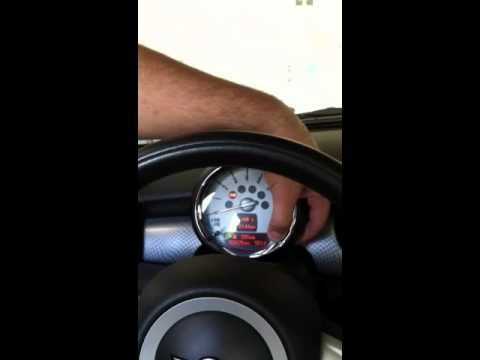
Mini
(2007-2014 /
R57, R55, R56)
In this article, we will see how to reset the brake maintenance light on the Mini Cooper R56, in case the light remains on after brake replacement or…

Mini
(2007-2014 /
R57, R55, R56)
Let's see the instructions on how to reset the brake wear indicator light on the Mini Cooper, following these simple steps. It may sometimes be neces…

Mini
(2007-2014 /
R57, R55, R56)
Manually resetting the TPMS light on your Mini Cooper R56 (2013) is really simple. To complete the operation without any difficulty, just follow the …
Other guides you may be interested in
|
Replacing the Air Conditioning Fuse on Citroen C3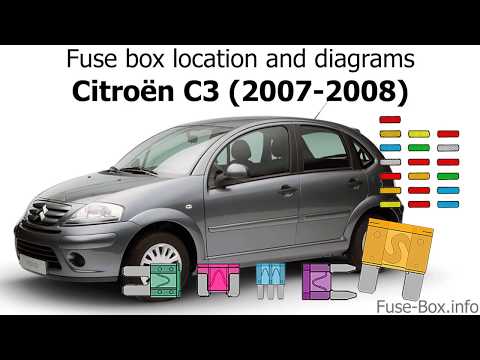
To replace the air conditioning fuse on the C3, locate the fuse position. Use a plastic lever to remove the cover located in the dashboard under the steering wheel (left side), then use pliers to pull out the damaged fuses in the compartment. Once this is done, insert the new fuses into the appropriate slots in the compartment. Finally, close the fuse inspection box with the cover and test for proper operation. You can also find fuses inside the glove compartment on the right side of the dashboard (remove the drawer if necessary). by ScegliAuto More videos
|

|
For advertising on this site Write to info@scegliauto.com
ScegliAuto is not responsible for any inaccuracy of the data in the lists. To report any inaccuracy or your business (if you own the business in question), please write to info@scegliauto.com
Number of seconds to generate the page: 0.084
(c) ScegliAuto 2026 - info@scegliauto.com - Privacy policy VAT number: IT01247470535 |
