
|
Do it yourself
| |||
| ||||


How do you reset the Service light on the Mini Cooper?
Model: Mini Mini
F55, F54, F57, F56
- Years 2014-2023
The Service indicator that is shown on the instrument panel of the Mini Cooper can be reset by turning on the instrument panel and then holding down the button located on the right side: this way you can access the screen where the remaining kilometers until the next service are indicated, with the car icon on a bridge. By holding down the button again for a few seconds, a loading bar will appear, which will disappear once the maintenance is reset: you can then release the button and turn off the instrument panel by removing the key from the ignition.
Posted on 22 April 2025 by ScegliAuto
Video tutorial
Related tutorials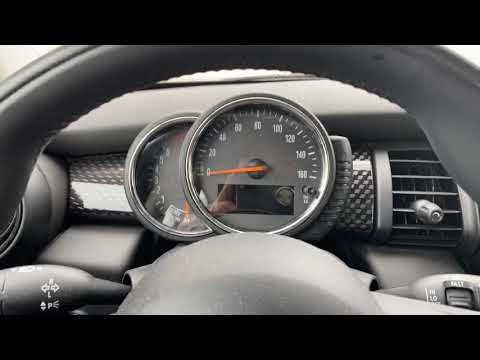
Mini
(2014-2023 /
F55, F54, F57, F56)
In today's guide we will see how to reset the oil change routine maintenance service light on a 2016 Mini Cooper S, fourth series. First we get insid…
Mini
(2010-2016 /
R60, Countryman1)
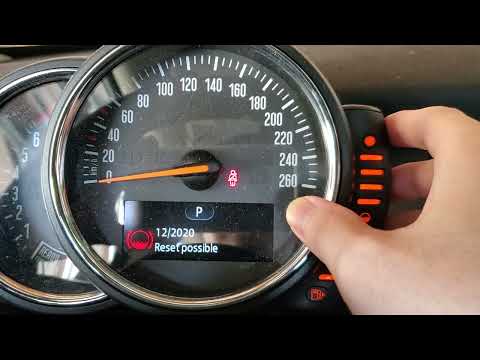
In this new guide of ours dedicated to your 2016 Mini Cooper Countryman, we are going to describe you the necessary steps to be able to easily reset …

Mini
(2014-2023 /
F55, F54, F57, F56)
In order to reset the Service light on the Mini Cooper D, you need to turn on the instrument panel by inserting the key into the corresponding igniti…
Other guides you may be interested in
|
How to Replace the Rear Light and Bulbs on a Ford Focus Year 2000
To replace the rear light and bulbs on a Ford Focus 2000/2004, first, open the tailgate of the boot. This gives access to the screw that holds the rear light in place. The screw to undo (using an appropriate screwdriver) is located inside the light and corresponds to the fold that accommodates the tailgate (as shown in the images). Once you start to undo it, continue with the operation and then remove the nut from the inside of the bodywork. At this point, you can remove the light, being careful to disconnect the electrical supply by unplugging the connectors or removing the entire bulb holder from its housing. This way, you can replace the bulbs. To reassemble everything, simply follow the described operations in reverse order. by ScegliAuto More videos
|

|
For advertising on this site Write to info@scegliauto.com
ScegliAuto is not responsible for any inaccuracy of the data in the lists. To report any inaccuracy or your business (if you own the business in question), please write to info@scegliauto.com
Number of seconds to generate the page: 0.099
(c) ScegliAuto 2026 - info@scegliauto.com - Privacy policy VAT number: IT01247470535 |
