
|
Do it yourself
| |||
| ||||


How to Remove the Headlining on a Mini Cooper
Model: Mini Mini
R52, R50, R53
- Years 2001-2007
Learn how to remove the headlining on a Mini Cooper: start by removing the side handles of the headlining with a screwdriver, then remove the sun visors and the overhead lighting unit located in the panel. If the car is equipped with a sunroof, open it before removing the panel. Once everything is removed (side panels of the pillars), detach the headlining panel around the roof perimeter of the car. When the panel is free from clips, you can pull it out of the vehicle. Be careful when pulling it out as it may break.
Updated on 3 March 2026 by ScegliAuto
Video tutorial
Related tutorials
Mini
(2001-2007 /
R52, R50, R53)
If the tire pressure warning light on your Mini Cooper R52 continues to stay on constantly on the instrument panel and you want to manually reset it,…
Mini
(2007-2014 /
R56, R57, R55)
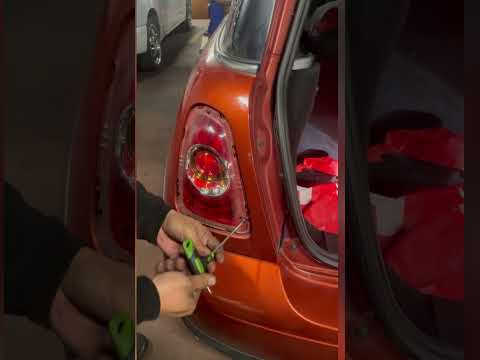
If you need to remove one of the rear lights of your Mini Cooper R56 but you don't know how to do it, don't worry because we will explain step by ste…
Mini
(2007-2014 /
R56, R57, R55)
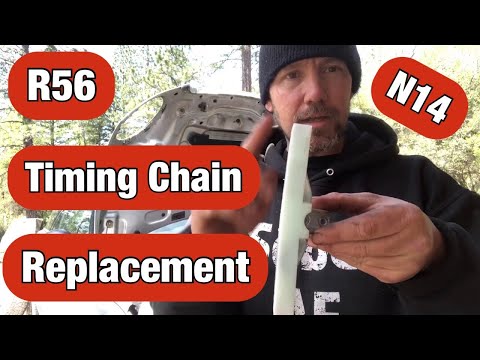
In this guide, we will see the process of how to disassemble and replace the timing chain of the Mini Cooper. First, we open the engine hood of our c…
Other guides you may be interested in
|
Frequently Asked QuestionsHow to Change the Key Fob Battery on a Golf 7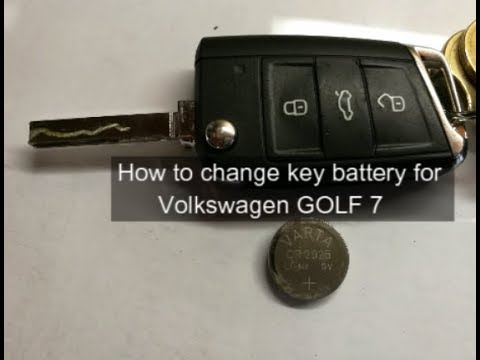
Replacing the battery in the key fob is very simple. Let's see how to do it on a Golf key. Take your key fob and press the button to release the metal key. Use a screwdriver to pry between the key cover and the top plastic cap. Remove the worn battery with a screwdriver, take a new one of the same size and voltage. Refit the cover onto the key fob, pressing until you hear it click into place. Finally, close the metal key back into the fob. Check that the key fob functions correctly. by ScegliAuto More videos
|
|
For advertising on this site Write to info@scegliauto.com
ScegliAuto is not responsible for any inaccuracy of the data in the lists. To report any inaccuracy or your business (if you own the business in question), please write to info@scegliauto.com
Number of seconds to generate the page: 0.050
(c) ScegliAuto 2026 - info@scegliauto.com - Privacy policy VAT number: IT01247470535 |
