
|
Do it yourself
| |||
| ||||



How to reset the tire light on the Mini Cooper R56.
Model: Mini Mini
R56, R57, R55
- Years:
2007, 2008, 2009, 2010, 2011, 2012, 2013, 2014
Video tutorial
To correctly complete the reset of the tire warning light on your Mini Cooper R56, simply read the following guide carefully and apply what is described. First, enter the car from the driver's side, then turn on the instrument panel and press the "BC" button located at the end of the steering lever multiple times. Next, locate the "Set/Info" screen and then hold down the same button until the displayed screen changes. At this point, scroll through the various options until you find "Set" with the tire warning light. Finally, press and hold the same button again to proceed with the reset.
Posted on 9 December 2025 by ScegliAuto
Related tutorials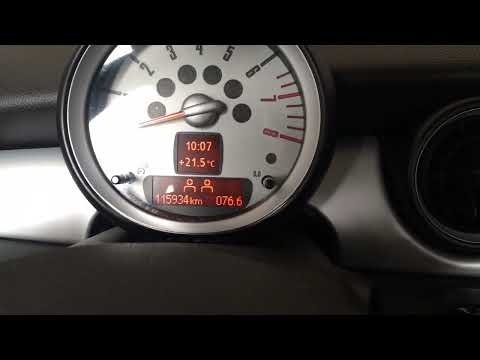
Mini
(2007-2014 /
R56, R57, R55)
If, when you turn on the ignition of your Mini Cooper R56 (2007-2014), you notice the orange tyre pressure light stays on despite no punctures, don't…
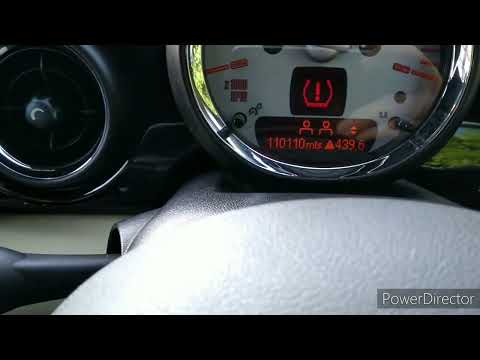
Mini
(2007-2014 /
R56, R57, R55)
This video tutorial shows step by step how to reset the tyre pressure warning light on a Mini Cooper R56. This procedure is simple and quick to perfo…
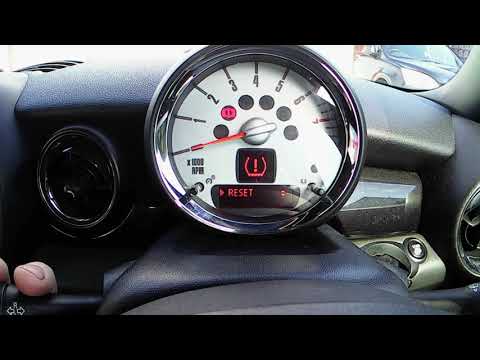
Mini
(2007-2014 /
R56, R57, R55)
In this video tutorial, learn how to reset the tyre pressure warning light on a Mini Cooper R56, a second-generation model produced from 2007 to 2014…
Other guides you may be interested in |
How to Open the Fuel Flap and Cap on an MG HS
This guide will show you how to open the fuel flap and cap on an MG HS in simple steps. To open the fuel flap, ensure the vehicle is unlocked; then press on the edge of the flap to open it, as shown in the video. Next, unscrew the fuel cap counterclockwise to refuel at the pump; once finished, screw the cap back on until it clicks, and finally close the fuel flap! by ScegliAuto More videos
|
|
For advertising on this site Write to info@scegliauto.com
ScegliAuto is not responsible for any inaccuracy of the data in the lists. To report any inaccuracy or your business (if you own the business in question), please write to info@scegliauto.com
Number of seconds to generate the page: 0.298
(c) ScegliAuto 2026 - info@scegliauto.com - Privacy policy VAT number: IT01247470535 |
