
|
Do it yourself
| |||
| ||||



How to Reset the Service Light on the Mini Countryman 2
Model: Mini Mini
F60, Countryman2
- Years:
2017, 2018, 2019, 2020, 2021, 2022, 2023
Video tutorial
In this new guide aimed at all of you who own a second series Mini Countryman, we will explain how to manually reset the service light present on the instrument cluster even after completing the regular service of the vehicle. First, reach the driver's seat, then insert the key and proceed to turn on the instrument cluster. Once done, locate the small button inside the speedometer and hold it down until a new screen appears. Finally, keep it pressed again until the reset of the light is completed.
Posted on 28 May 2026 by ScegliAuto
Related tutorials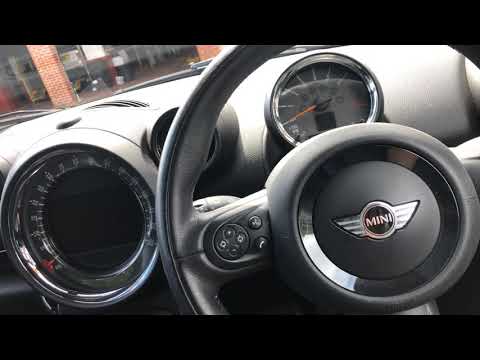
Mini
(2010-2016 /
Countryman1, R60)
Resetting the service light on a Mini Countryman is very simple. Follow these steps. First, insert the key and turn on the ignition, but do not start…
Mini
(2010-2016 /
Countryman1, R60)
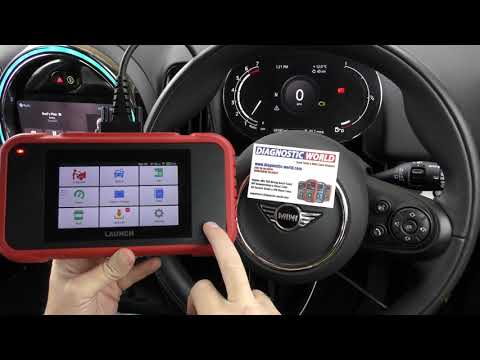
In this video, you will see the procedure necessary to reset the engine warning light that appears on the instrument cluster of the Mini Countryman, …
Mini
(2010-2016 /
Countryman1, R60)
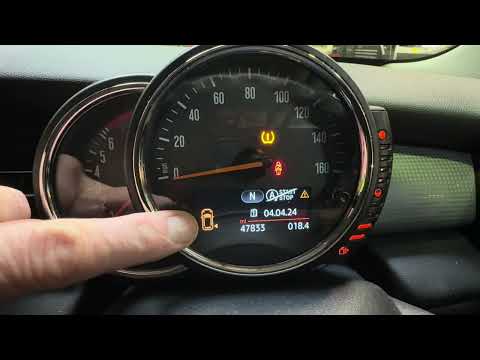
If the orange tyre warning light on your 2015 Mini Countryman remains illuminated, it means the control unit has detected abnormal pressure in the in…
Other guides you may be interested in
|
How to Open the Bonnet of the Toyota C-HR?
In this tutorial, you will learn how to open the bonnet of the Toyota C-HR, a very simple operation that follows the typical procedure for most vehicles. First, unlock the catches using the remote button, then open the driver's door, locate the lever in the lower left area of the dashboard, and pull it. Next, move to the front of the vehicle, locate the second lever, push it to the left, and simultaneously lift the bonnet. To close it, simply let it drop gently. by ScegliAuto More videos
|
|
For advertising on this site Write to info@scegliauto.com
ScegliAuto is not responsible for any inaccuracy of the data in the lists. To report any inaccuracy or your business (if you own the business in question), please write to info@scegliauto.com
Number of seconds to generate the page: 0.086
(c) ScegliAuto 2026 - info@scegliauto.com - Privacy policy VAT number: IT01247470535 |
