
|
Do it yourself
| |||
| ||||


How can I reset the tire warning light on my Mini Cooper R56?
Model: Mini Mini
R56, R57, R55
- Years 2007-2014
In order to reset the service warning light on your Mini Cooper R60 there is no need for any instrumentation. We start by turning the panel by putting the key in position 1 or, if the car is equipped with a keyless, press the start & stop button once. After the car has finished the check we can start carrying out the operation in question. Let's scroll through the settings until we find the average speed; we then enter the menu by pressing the button on the left light switch, then keep the button pressed until the word "reset" appears on the screen; press further and we will have reset the service.
Posted on 19 January 2022 by ScegliAuto
Video tutorial
Related tutorials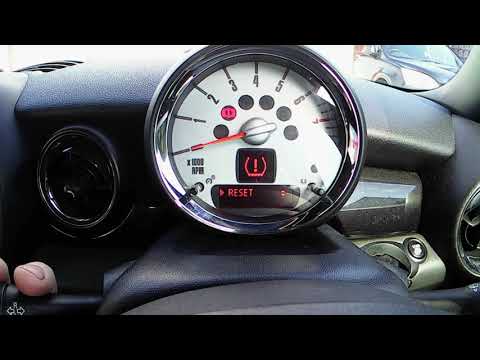
Mini
(2007-2014 /
R56, R57, R55)
We see in this video tutorial how to reset the tire pressure warning light on a second generation Mini Cooper R56, model produced from 2007 to 2014. …
Mini
(2007-2014 /
R56, R57, R55)
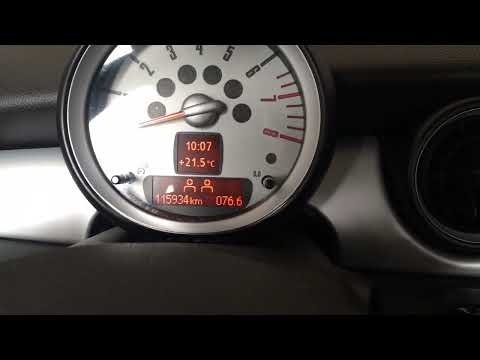
If when you start the ignition of your Mini Cooper R56 (year 2007-2014) you notice the orange tire warning light staying on despite there being no pu…
Mini
(2007-2014 /
R56, R57, R55)
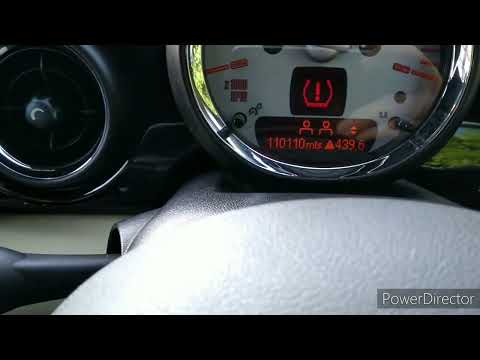
This video tutorial shows the procedure for resetting the tire pressure warning light on the Mini Cooper R56 step by step. This procedure is simple a…
Other guides you may be interested in
|
How to Replace the Spark Plugs on a Kia Cee'd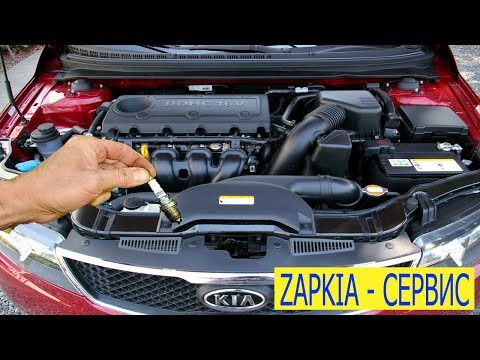
First, release the bonnet using the appropriate lever to lift it and secure it with the prop rod. Then, remove the upper rear cover of the engine, where the tops of the spark plugs are located. Once the cover is removed, disconnect the connectors from the coils that feed the spark plugs at the bottom of the cylinder where the coils are housed. Using a socket spanner, unscrew the spark plugs and pull them out. If your socket is magnetised, it will help; otherwise, you will need to use long-nosed pliers, and you're done! by ScegliAuto More videos
|

|
For advertising on this site Write to info@scegliauto.com
ScegliAuto is not responsible for any inaccuracy of the data in the lists. To report any inaccuracy or your business (if you own the business in question), please write to info@scegliauto.com
Number of seconds to generate the page: 0.199
(c) ScegliAuto 2026 - info@scegliauto.com - Privacy policy VAT number: IT01247470535 |
