
|
Do it yourself
| |||
| ||||


How to reset the tire warning light in the Mini Countryman?
Model: Mini Mini
R60, Countryman1
- Years 2010-2016
After restoring the correct pressure of one or more tires, for example in the event of a puncture, the relative warning light must be manually reset in the Mini Countryman. Let's see how to proceed in the attached videotutorial. First of all, turn on the instrument panel and with the BC button, the one located at the far end of the left lever, scroll through the menu to the "Set / Info" item. Press and hold the BC button to enter the submenu, scroll to the "Reset" item relating to the tires and keep the button pressed one last time. Confirmation of reset will appear on the display.
Posted on 8 June 2022 by ScegliAuto
Video tutorial
Related tutorials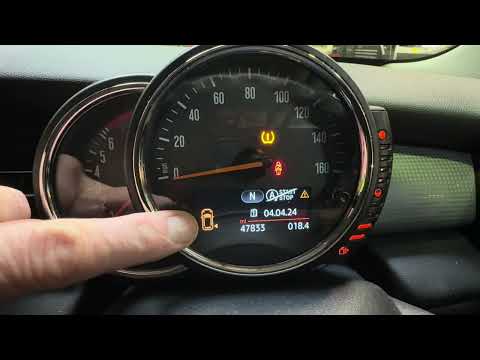
Mini
(2010-2016 /
R60, Countryman1)
If the orange tire pressure warning light on the instrument panel of your 2015 Mini Countryman continues to stay on, it means that the control unit h…

Mini
(2010-2016 /
R60, Countryman1)
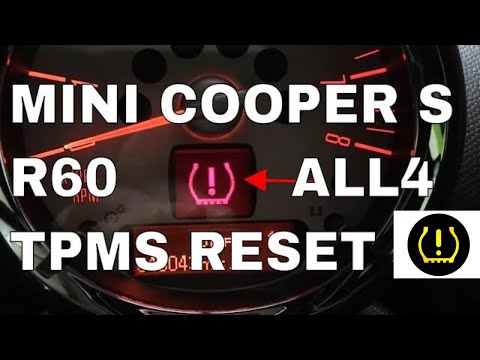
The activation of the TPMS light indicates a possible puncture or pressure loss from one or more tires; in this guide we will see how to reset the ti…
Mini
(2010-2016 /
R60, Countryman1)
.. In this tutorial, we can see how to reset the tire warning light in the Mini Countryman, an extremely simple and quick operation... …
Other guides you may be interested in
|
How to Replace the Front Headlamp Bulb on a Volkswagen Touareg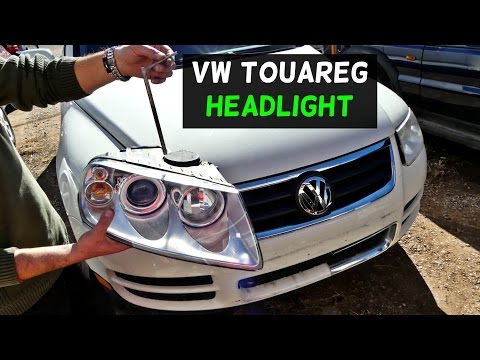
To perform this operation, release the bonnet using the lever and lift it to secure it with the prop rod. Then disconnect the battery terminals to protect any sensitive circuits. Locate the hook, which when rotated allows you to extract the headlamp. After removing the last bolts, you can take out the headlamp from its position and also disconnect the connectors at the back to completely remove it, allowing you to proceed with replacing the necessary components. Retrace the steps described for reassembly. by ScegliAuto More videos
|

|
For advertising on this site Write to info@scegliauto.com
ScegliAuto is not responsible for any inaccuracy of the data in the lists. To report any inaccuracy or your business (if you own the business in question), please write to info@scegliauto.com
Number of seconds to generate the page: 0.083
(c) ScegliAuto 2026 - info@scegliauto.com - Privacy policy VAT number: IT01247470535 |
