
|
Do it yourself
| |||
| ||||


Resetting the tire pressure warning light on the Mini Cooper R50
Model: Mini Mini
R52, R50, R53
- Years 2001-2007
In this short guide we will understand the steps to be able to reset the tire pressure light of the Mini Cooper R50; before carrying out the reset, the pressure of all four tires must be at the operating pressure. Then we get in the car and start the engine; now let's press and hold the TPMS reset button, which we find at the bottom of the central tunnel (near the gear lever). In this way we will see that our TPMS spy will be reset, thus disappearing the warning of the instrument cluster, as shown in the video!
Posted on 18 May 2023 by ScegliAuto
Video tutorial
Related tutorials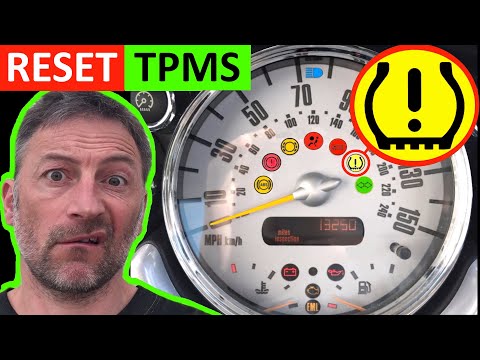
Mini
(2007-2014 /
R56, R57, R55)
In today's video we will see the instructions that will allow us to reset the tire pressure warning light of a Mini Cooper R50-R53; before carrying o…
Mini
(2001-2007 /
R52, R50, R53)
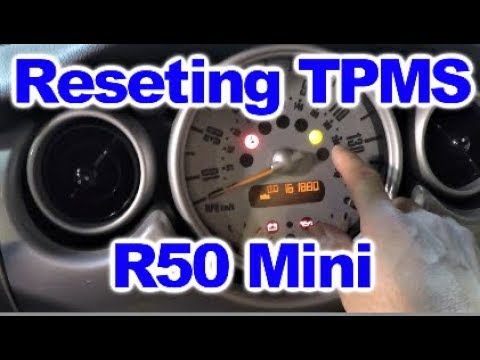
The tire pressure warning light activates when the vehicle's TPMS system detects one or more abnormalities in tire pressure; let's briefly see how to…

Mini
(2001-2007 /
R52, R50, R53)
To reset the tire pressure warning light on a Mini Cooper, turn on the instrument panel without starting the engine. Using the turn signal lever, acc…
Other guides you may be interested in
|
How to Remove the Diesel Filter from a Peugeot 207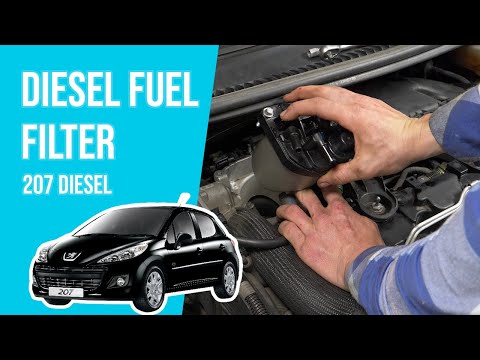
Lift the bonnet; remove the soundproofing panel from the engine and locate the diesel filter (as shown in the video). Using a socket wrench, unscrew the bolts (a spanner can also be used) near the container where the diesel filter is located. Once the filter is removed, disconnect the circulation hoses and take it out of the vehicle (replace it with a new filter). Finally, refit the filter to the attached container of the diesel filter (connect the hoses and wires) and tighten the appropriate bolts. Close the bonnet afterwards. by ScegliAuto More videos
|
|
For advertising on this site Write to info@scegliauto.com
ScegliAuto is not responsible for any inaccuracy of the data in the lists. To report any inaccuracy or your business (if you own the business in question), please write to info@scegliauto.com
Number of seconds to generate the page: 0.068
(c) ScegliAuto 2026 - info@scegliauto.com - Privacy policy VAT number: IT01247470535 |
