
|
Do it yourself
| |||
| ||||


How to reset the service light on Mini R56
Model: Mini Mini
R57, R55, R56
- Years 2007-2014
When you need to reset the service light on the Mini R56, you need to follow a procedure, also visible in this video. We report the steps verbatim: Insert the key; do not press brake or clutch; press the Start button; wait for the Service symbol to disappear on the rev counter; when the symbol disappears, press the right button on the tachometer until the brake fluid symbol and the word reset appear. Press and hold the BC button on the stalk to the left of the steering wheel until the word RESET disappears. Press the BC button again to bring up the clock. When the oil symbol appears, press and hold BC to reset.
Posted on 16 August 2022 by ScegliAuto
Video tutorial
Related tutorials
Mini
(2007-2014 /
R57, R55, R56)
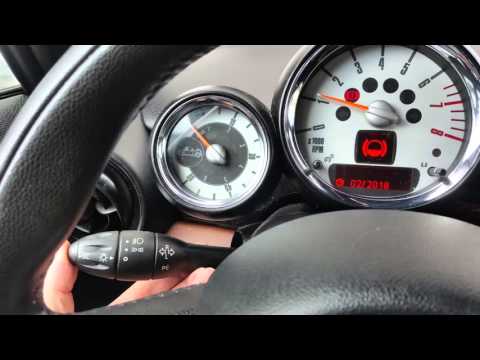
The Mini R56 service warning light is reset by turning on the car's instrument panel and pressing the BC button on the lever to the left of the steer…
Mini
(2007-2014 /
R57, R55, R56)
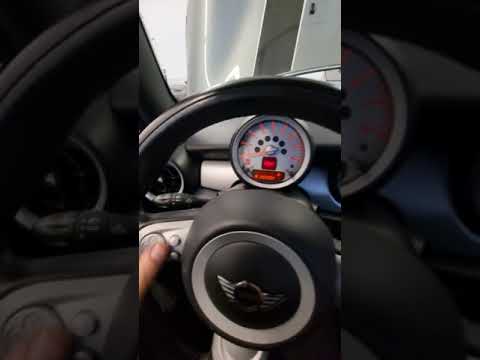
This video will show us how to reset the service in a Mini Cooper R56. To begin we will have to turn on the panel, displaying the message indicating …
Mini
(2007-2014 /
R57, R55, R56)
To reset the Mini R56 service warning light, you need to turn on the instrument panel and move around the menu by pressing the button located on the …
Other guides you may be interested in
|
How to Remove the Rear Wiper Blade on a Citroen C3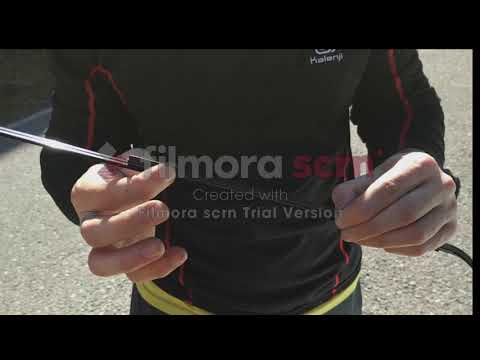
This guide shows you how to remove and replace the rear wiper blade on a Citroen C3. Grasp the rear wiper blade with your hands, gently pull the rubber from the moving blade (without breaking it), and slide it off the arm on the left. Fit the new wiper rubber onto the arm (if the rubber is original, you may need to adjust the length by cutting it as shown). Finally, lower the wiper arm onto the rear window and test the new blade by activating the rear wiper. It is always preferable to use original parts for better durability and quality. by ScegliAuto More videos
|

|
For advertising on this site Write to info@scegliauto.com
ScegliAuto is not responsible for any inaccuracy of the data in the lists. To report any inaccuracy or your business (if you own the business in question), please write to info@scegliauto.com
Number of seconds to generate the page: 0.185
(c) ScegliAuto 2026 - info@scegliauto.com - Privacy policy VAT number: IT01247470535 |
