
|
Do it yourself
| |||
| ||||


How to reset the brake pad wear indicator light on the Mini.
Model: Mini Mini
R56, R57, R55
- Years 2007-2014
If we have noticed that the brake pad wear indicator light has turned on in this car, in the following description we will find instructions and the procedure to follow to reset the light, and we can also use the images from the video to help us. First, press the BC button (located at the end of the left lever) and the 00 button located on the right side of the information display until the word "auto" appears. Press the BC button several times until the desired word appears, then hold down the BC button until the word "RESET" appears.
Posted on 16 April 2023 by ScegliAuto
Video tutorial
Related tutorials
Mini
(2014-2023 /
F57, F56, F55, F54)
Today's steps will show us how to reset the brake pad wear indicator light on the Mini Cooper; before performing this operation, it is necessary to h…
Mini
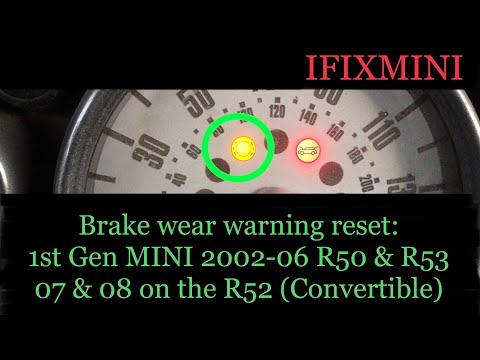
(2001-2007 /
R52, R50, R53)
Let's find out below the instructions that will allow us to reset the brake pad wear warning light of the Mini Cooper. First of all we get on board t…

Mini
(2007-2014 /
R56, R57, R55)
Let's see the instructions on how to reset the brake wear indicator light on the Mini Cooper, following these simple steps. It may sometimes be neces…
Other guides you may be interested in |
How to Replace the Battery on a Volkswagen Polo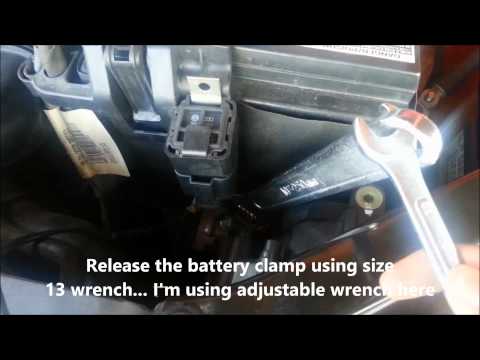
When your vehicle won't start and makes noises similar to electrical contacts, the cause is likely the battery. Release the bonnet using the appropriate lever and lift it to secure it with the prop rod. First, check the condition of your battery, then disconnect the terminals, starting with the negative one. Next, unclip the brackets securing the battery on both sides, then unscrew the bolts on the sides of the battery base to remove the brackets holding it in place. Install the new battery, and you're done! by ScegliAuto More videos
|

|
For advertising on this site Write to info@scegliauto.com
ScegliAuto is not responsible for any inaccuracy of the data in the lists. To report any inaccuracy or your business (if you own the business in question), please write to info@scegliauto.com
Number of seconds to generate the page: 0.080
(c) ScegliAuto 2026 - info@scegliauto.com - Privacy policy VAT number: IT01247470535 |
