
|
Do it yourself
| |||
| ||||


How to replace the rear hatch button of the Mini Cooper.
Model: Mini Mini
R52, R50, R53
- Years 2001-2007
In this video tutorial, we will see how to disassemble and replace, or repair, the rear door button of the Mini Cooper, in simple and quick steps. First, we open the rear hatch door and begin to disassemble and remove the plastic cover of the button, unscrewing the fixing screws that we find on the inside of the rear door; then we disconnect the electrical connector of the button, as shown in the video. At this point, we carry out the repair of the opening button or directly replace it; we apply the reverse procedure for reassembly!
Posted on 2 June 2023 by ScegliAuto
Video tutorial
Related tutorials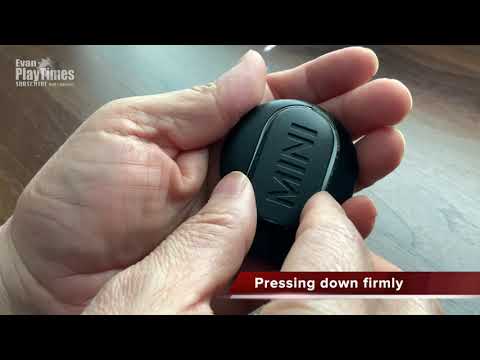
Mini
(2017-2023 /
Countryman2, F60)
Replacing the Mini Cooper remote control battery, as we can see in this tutorial, is an extremely simple and fast operation. To do this, we will need…
Mini
(2001-2007 /
R52, R50, R53)
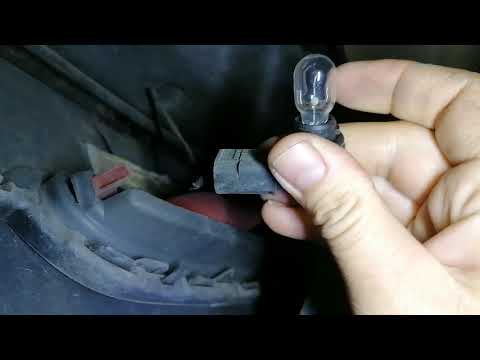
Let's briefly see the instructions necessary to disassemble and replace the rear fog light bulb of the Mini Cooper. First of all, let's move to the r…
Mini
(2001-2007 /
R52, R50, R53)
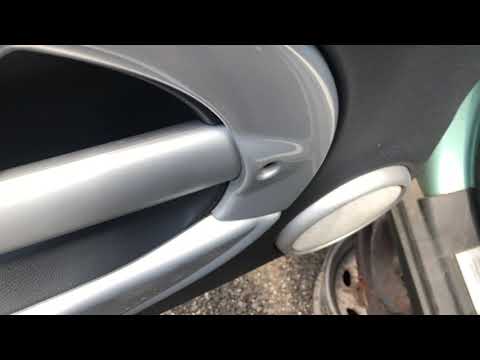
Let's find out in this guide the procedure we will need to remove the door panel of the Mini Cooper, following these simple steps. First we open the …
Other guides you may be interested in |
How to Remove the Distributor from a Fiat Panda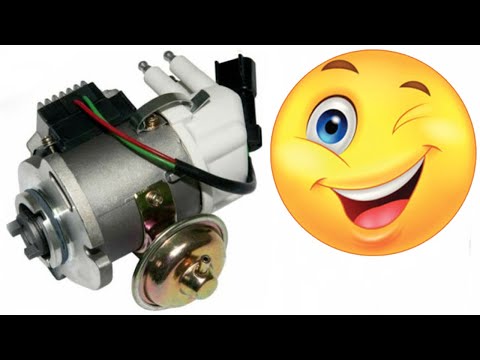
How to remove the distributor from a Fiat Panda? Lift the bonnet and secure it, then use a screwdriver to unscrew the locking pins of the ventilation pipe, remove the engine soundproofing panel and the cap (detach it). Start by unscrewing the fastening pins of the distributor (as shown in the video); remove the distributor from the engine housing. Install a new distributor inside the engine bay, connect the various cables and close with the cap. Refit all previously removed parts (soundproofing panel, filter, etc.) and test the correct operation. by ScegliAuto More videos
|
|
For advertising on this site Write to info@scegliauto.com
ScegliAuto is not responsible for any inaccuracy of the data in the lists. To report any inaccuracy or your business (if you own the business in question), please write to info@scegliauto.com
Number of seconds to generate the page: 0.045
(c) ScegliAuto 2026 - info@scegliauto.com - Privacy policy VAT number: IT01247470535 |
