
|
Do it yourself
| |||
| ||||


To reset the tire pressure warning light on the Mini Cooper S.
Model: Mini Mini
Countryman2, F60
- Years 2017-2023
Let's see in this short guide the steps that will allow us to reset the tire pressure warning light of the Mini Cooper S. Before performing the reset, it is necessary to bring all four tires to the operating pressure indicated on the sticker found on the driver's side body pillar. Then, get into the car and turn on the instrument panel. Move to the central display to access the vehicle settings and then select the tire pressure option, confirming the reset of the warning light by following the indicated procedure!
Posted on 5 August 2023 by ScegliAuto
Video tutorial
Related tutorials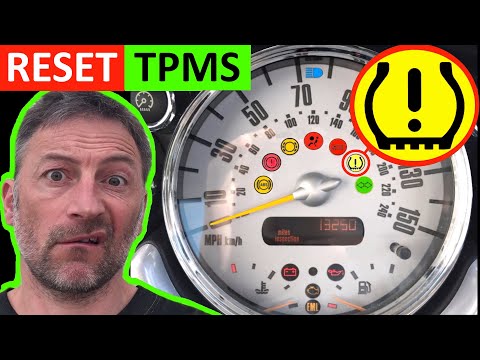
Mini
(2007-2014 /
R57, R55, R56)
In today's video we will see the instructions that will allow us to reset the tire pressure warning light of a Mini Cooper R50-R53; before carrying o…

Mini
(2001-2007 /
R52, R50, R53)
If the tire pressure warning light on your Mini Cooper R52 continues to stay on constantly on the instrument panel and you want to manually reset it,…

Mini
(2007-2014 /
R57, R55, R56)
Today's information will show us how to reset the tire pressure warning light on the Mini Cooper; before performing the TPMS sensor reset, it is nece…
Other guides you may be interested in
|
Frequently Asked QuestionsRemoving Ignition Cylinder from Audi A3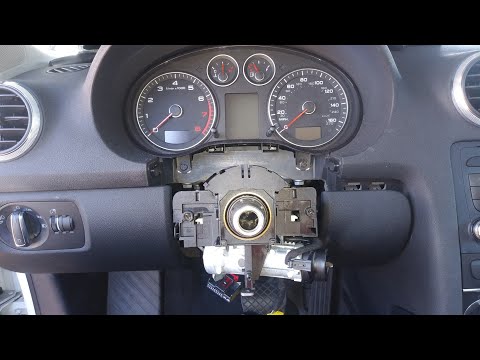
In this video, you will see how to replace the ignition cylinder of the Audi A3. First, remove the side plastic cover where the fuses are located: take out the blue 1 Amp fuse. Next, disconnect the battery terminals. Now, connect the cables that run to the steering and remove the central part by pulling it towards you (the airbag). Disconnect the connector by removing it completely. Remove the two screws to take off the plastic cover of the ignition: disconnect the various control units and use a drill to break the seal of the ignition lock to remove it. by ScegliAuto More videos
|

|
For advertising on this site Write to info@scegliauto.com
ScegliAuto is not responsible for any inaccuracy of the data in the lists. To report any inaccuracy or your business (if you own the business in question), please write to info@scegliauto.com
Number of seconds to generate the page: 0.059
(c) ScegliAuto 2026 - info@scegliauto.com - Privacy policy VAT number: IT01247470535 |
