
|
Do it yourself
| |||
| ||||


How do you reset the Service light on the Mini Cooper D?
Model: Mini Mini
F57, F54, F56, F55
- Years 2014-2023
The procedure to reset the Service light on the Mini Cooper D involves turning on the instrument panel and then holding down the button located on the right side. This will allow access to the screen that displays the remaining kilometers until the next service, with an icon of a car on a bridge. By holding the button down again for a few seconds, a loading bar will appear, which will disappear once the maintenance is reset. Therefore, you can release the button and turn off the instrument panel by turning the key.
Posted on 4 September 2023 by ScegliAuto
Video tutorial
Related tutorials
Mini
(2007-2014 /
R57, R55, R56)
From the Mini Cooper S instrument cluster, you can completely turn off the Service light by switching on the vehicle's ignition, allowing you to navi…

Mini
(2023-2026 /
F66)
To reset the Service light on the Mini Cooper, you will need to turn on the instrument panel by inserting the ignition key into the corresponding slo…

Mini
(2007-2014 /
R57, R55, R56)
Today we will see instructions on how to reset the service light for regular maintenance of the Mini Cooper's engine oil change. First, we get into t…
Other guides you may be interested in
|
How to Remove the Brake Disc on Mitsubishi Pajero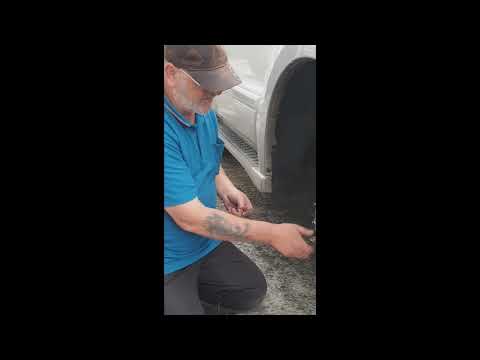
How to remove the brake disc along with the brake pads on a Mitsubishi Pajero? First, lift the vehicle on a column lift to a suitable height for working. Next, remove the wheel (using a telescopic spanner or air drill) with the respective bolts. Undo the locking bolt of the brake caliper, and remove it from the caliper support. Remove the caliper support from the wheel hub using a socket spanner. Once the brake disc is free, undo the screws with a fixed spanner and detach the disc from the wheel hub. Disconnect the various wiring and brake fluid pipes from the wheel assembly. Replace them with new parts (always use original and compliant parts). Prepare to install the new disc along with the respective pads, brake caliper, caliper support, etc. by ScegliAuto More videos
|

|
For advertising on this site Write to info@scegliauto.com
ScegliAuto is not responsible for any inaccuracy of the data in the lists. To report any inaccuracy or your business (if you own the business in question), please write to info@scegliauto.com
Number of seconds to generate the page: 0.100
(c) ScegliAuto 2026 - info@scegliauto.com - Privacy policy VAT number: IT01247470535 |
