
|
Do it yourself
| |||
| ||||


How to change the language on the onboard computer of the 2017 Mini Countryman?
Model: Mini Mini
Countryman2, F60
- Years 2017-2023
Changing the language of the multimedia content of the 2017 Mini Countryman's onboard computer is a very simple operation that can be done independently thanks to our video guide. Let's start by pressing the menu button located on the lower dashboard of the vehicle. Once inside the menu, we need to select, using the arrow keys, the option "My Mini" and from the submenu that opens, select the option "System Configuration". Choose the language you prefer and return to the main menu. Turn off the vehicle for further confirmation; this operation can be done whenever needed.
Posted on 10 September 2023 by ScegliAuto
Video tutorial
Related tutorials
Mini
(2010-2016 /
Countryman1, R60)
In this very short video, we see how to return to our language on the Mini's onboard computer, starting from an unknown and incomprehensible language…

Mini
(2010-2016 /
Countryman1, R60)
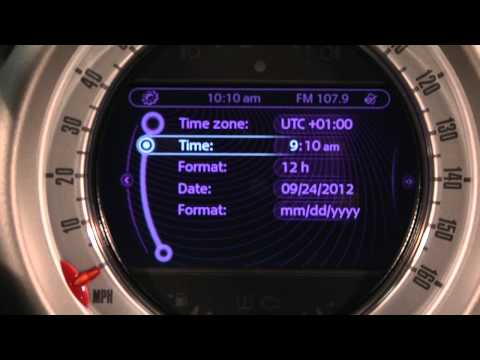
In this very short video tutorial today we can see how to adjust the time of the onboard computer on a Mini Cooper Countryman, first generation model…
Mini
(2010-2016 /
Countryman1, R60)
Thanks to today's very short video guide, we can see the entire procedure necessary to modify the on-board computer time on our Mini Countryman, a fi…
Other guides you may be interested in
|
How to Remove the Door Panel on Nissan Micra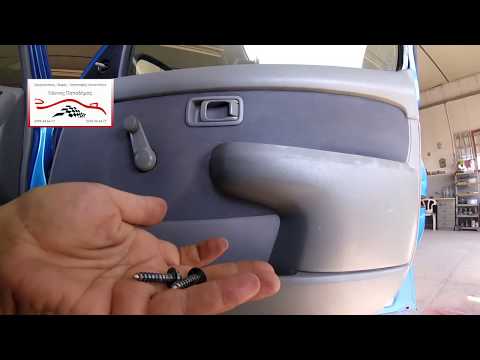
How do you remove the door panel (right side) on a Nissan Micra? Use a lever or screwdriver to pry at the handle on the door panel, detach it, and disconnect the terminals of the window switch (manual crank). Use a fixed screwdriver to unscrew the screws on the panel, then use a plastic lever to unclip all the clips around the perimeter of the door. Finally, pull away the panel with your hands, disconnecting the opening lever cable, the window lifter terminals, and the speakers. Reassemble everything by reversing the steps. by ScegliAuto More videos
|

For advertising on this site Write to info@scegliauto.com
ScegliAuto is not responsible for any inaccuracy of the data in the lists. To report any inaccuracy or your business (if you own the business in question), please write to info@scegliauto.com
Number of seconds to generate the page: 0.107
(c) ScegliAuto 2026 - info@scegliauto.com - Privacy policy VAT number: IT01247470535 |
