
|
Do it yourself
| |||
| ||||


How do you reset the brake wear indicator light on the Mini?
Model: Mini Mini
F55, F56, F57, F54
- Years 2014-2023
The procedure to reset the brake wear indicator light on the Mini is done by turning on the instrument panel and then navigating through the menu using the cursor located on the left side of the steering wheel. You will need to stop when the "Service info" option appears. At this point, you can press the button located on the right side of the instrument panel until the brake wear indicator light with the remaining kilometers until the next brake pad replacement appears. With the cursor on the left lever, you can select the "Reset" option and in this way, the light will turn off and you can then turn off the instrument panel.
Posted on 3 January 2024 by ScegliAuto
Video tutorial
Related tutorials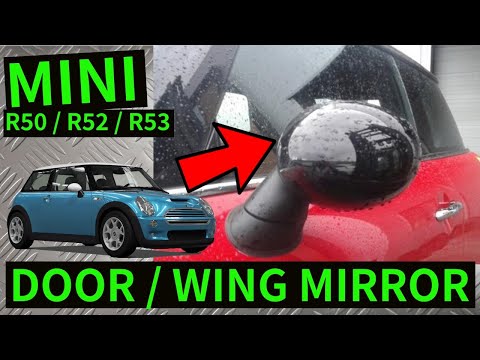
Mini
(2001-2007 /
R53, R50, R52)
In order to replace the external rearview mirror of the Mini, you need to open and close it so that the three screws at the base of its support can b…

Mini
(2014-2023 /
F55, F56, F57, F54)
In order to remove the door panel of the Mini, you need to unscrew the screws that hold it in place: these screws are located in the housing of the i…

Mini
(2017-2023 /
F60, Countryman2)
If your car is to remain inactive for an extended period of time (as was the case during the lockdown), to keep your Mini's battery efficient, it is …
Other guides you may be interested in
|
How to Replace the Alternator on an Opel Meriva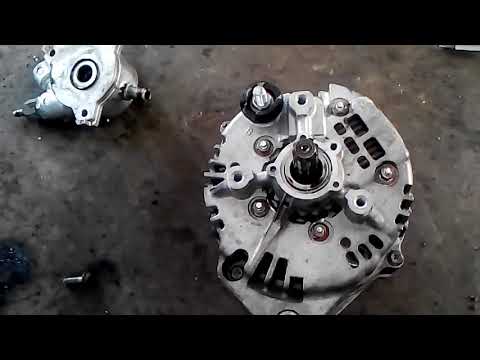
First, release the bonnet from the lever and lift it. Disconnect the battery to protect your electronic devices. Now locate the alternator position on your vehicle. Remove the belt by unscrewing the tensioner pulley to take it off. You can now remove the bolts securing the alternator. Working on the rear of the alternator, disconnect the cables and pipes attached at the back. This allows you to extract the alternator from your vehicle and carry out the necessary work. by ScegliAuto More videos
|

|
For advertising on this site Write to info@scegliauto.com
ScegliAuto is not responsible for any inaccuracy of the data in the lists. To report any inaccuracy or your business (if you own the business in question), please write to info@scegliauto.com
Number of seconds to generate the page: 0.128
(c) ScegliAuto 2026 - info@scegliauto.com - Privacy policy VAT number: IT01247470535 |
