
|
Do it yourself
| |||
| ||||


|
Remove the pin located directly beneath the handle to take off the black circular cover. Next, remove the light positioned under the door and disconnect it from the connector. Use trim tools to pry around the door panel to remove the first part (it consists of two sections). Carefully extract both parts of the panel and disconnect all connectors. Start disassembling the handle by unscrewing the screws that secure it. Disconnect the cable and replace the part. Reassemble the components by following the steps in reverse.
Updated on 23 February 2026 by ScegliAuto
Video tutorial
Related tutorials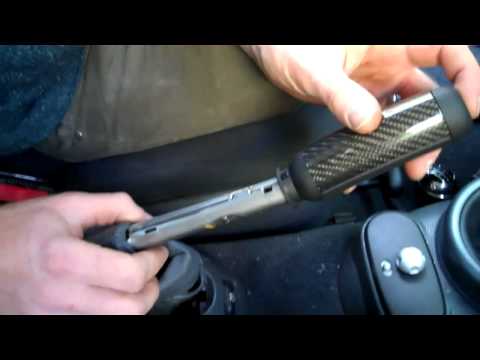
Mini
(2001-2007 /
R52, R50, R53)
Once the original grip is removed, slide the new grip onto the handbrake lever, orienting it with the finger imprint facing downwards. Then, detach t…

Mini
(2014-2023 /
F57, F56, F55, F54)
To replace the external handle of the Mini Cooper, you will need to open the corresponding door in order to locate the screw on the side of the door,…

Mini
(2010-2016 /
Countryman1, R60)
Remove the external door handle? Let's see the disassembly of the handle. We remove the cover cap of the clamping screw. Using the screwdriver, unscr…
Other guides you may be interested in
|
How to Reset the Service Light on a Fiat 500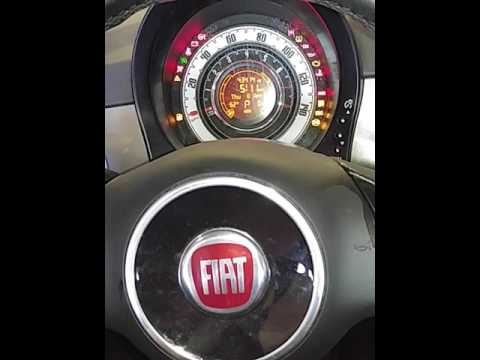
In this video, learn how to reset the oil maintenance service indicator on a Fiat 500. This is a very simple operation. Enter the vehicle and turn on the ignition. Press the accelerator pedal three times in quick succession, then release the pedal. Turn off the ignition and remove the key from the ignition lock. Reinsert the key and turn on the ignition, then wait for the indicator to illuminate. Finally, check the changes made to the car. Always remember to perform onboard computer modifications with the engine off. by ScegliAuto More videos
|

|
For advertising on this site Write to info@scegliauto.com
ScegliAuto is not responsible for any inaccuracy of the data in the lists. To report any inaccuracy or your business (if you own the business in question), please write to info@scegliauto.com
Number of seconds to generate the page: 0.054
(c) ScegliAuto 2026 - info@scegliauto.com - Privacy policy VAT number: IT01247470535 |
