
|
Do it yourself
| |||
| ||||


How do you reset the panoramic roof of the Mini Cooper?
Model: Mini Mini
R57, R55, R56
- Years 2007-2014
In order to reset the panoramic roof of the Mini Cooper, you need to remove the fuse that controls its operation, disconnecting it for a few seconds and then reinserting it: to do this, you will need to open the hood so that you can locate the fuse box located on the right side of the compartment. By opening the box, you will be able to remove the fuse that controls the operation of the panoramic roof; by reinserting it into its slot as shown in the tutorial, you will be able to close the box and verify that the roof is working again.
Posted on 25 May 2024 by ScegliAuto
Video tutorial
Related tutorials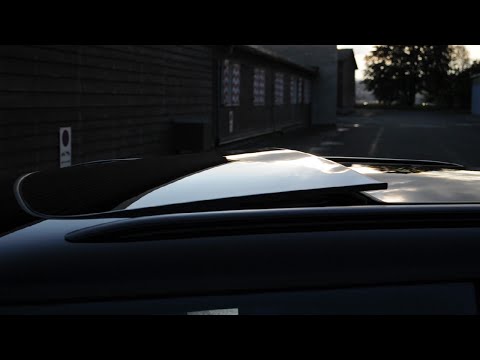
Mini
(2014-2023 /
F55, F54, F57, F56)
In this video tutorial, we will see the instructions that will allow us to open the panoramic roof of the Mini Cooper in simple and quick steps. Firs…

Mini
(2001-2007 /
R52, R50, R53)
Today we will see the step-by-step instructions on how to disassemble and replace the hood of the Mini Cooper, in simple and quick steps. First, we o…

Mini
(2001-2007 /
R52, R50, R53)
If the tire pressure warning light on your Mini Cooper R52 continues to stay on constantly on the instrument panel and you want to manually reset it,…
Other guides you may be interested in
|
Frequently Asked QuestionsReset the Service Light on Fiat Bravo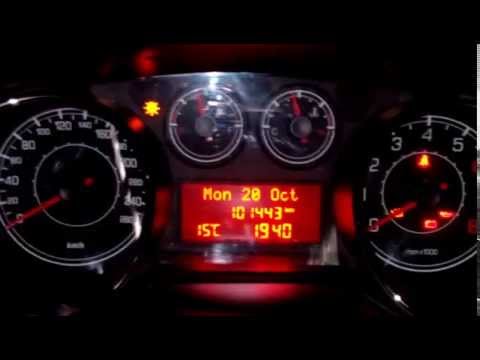
Has the service light appeared on the instrument cluster of your Fiat Bravo? Let's reset it. Turn on the ignition, press the "Set" button located on the central dashboard, then, once in the settings menu, scroll using the up/down buttons until you find the "Reset Maintenance" option. Select it with the set button to turn off the tyre pressure warning light and exit the settings menu. Check the instrument cluster by turning it off and on again with the ignition key. Retry the reset if the issue persists. by ScegliAuto More videos
|

|
For advertising on this site Write to info@scegliauto.com
ScegliAuto is not responsible for any inaccuracy of the data in the lists. To report any inaccuracy or your business (if you own the business in question), please write to info@scegliauto.com
Number of seconds to generate the page: 0.122
(c) ScegliAuto 2026 - info@scegliauto.com - Privacy policy VAT number: IT01247470535 |
