
|
Do it yourself
| |||
| ||||


How to replace the original radio of a Mitsubishi ASX with an Android/Apple CarPlay.
Model: Mitsubishi Asx
MK 1
- Years 2010-2023
To replace the original radio in a Mitsubishi ASX with an Android Auto/Apple CarPlay, follow the video: start by removing the dashboard trim around the original radio with a plastic tool, then unscrew the 4 screws that hold the radio in place; disconnect all electrical connectors and prepare the new radio (there are many types, all plug&play, all of good quality at competitive prices). Connect the adapter to the original socket, then the radio antenna and USB outputs, which we will position, for example, in the armrest. Place the GPS antenna under the dashboard, where it will receive a good signal. Turn on the radio and go to "settings" and look for "steering wheel button learning" or a similar option, in order to program the buttons: press the commands to be associated on the touchscreen (such as volume) and then press the corresponding button on the steering wheel. This step is essential to make the steering wheel controls work.
Posted on 26 October 2025 by ScegliAuto
Video tutorial
Related tutorials
Mitsubishi Asx
(2010-2023 /
MK 1)
In this video we can see where the fuse boxes of the Mitsubishi ASX are located and what their respective schemes are, useful in case we need to chec…
Mitsubishi Asx
(2010-2023 /
MK 1)
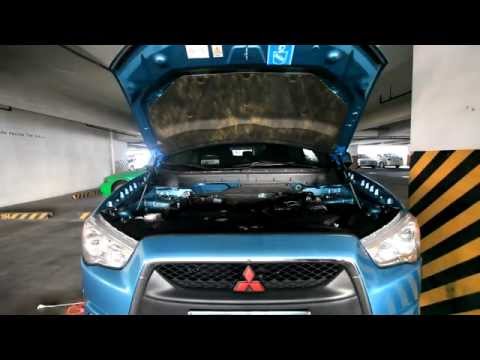
Before you can begin, open the driver's side front door of your Mitsubishi ASX. Start by pulling the bonnet release lever located near the door hinge…

Mitsubishi Asx
(2010-2023 /
MK 1)
If the devices of our Mitsubishi ASX have suddenly stopped working, we can first of all check the status of the corresponding fuses whose diagrams ar…
Other guides you may be interested in
|
How to Reset the Tyre Pressure Light on the Opel Grandland X
While driving, if you notice the tyre pressure warning light coming on, first check the actual inflation pressure of the tyres and, if necessary, restore the pressures recommended by the manufacturer. After restoring the correct pressures, you need to reset the warning light that has illuminated on the instrument cluster. To do this, locate the reset button on the lower central console. Press this button and hold it down for at least 3 seconds, after which the low pressure indication will turn off. by ScegliAuto More videos
|

|
For advertising on this site Write to info@scegliauto.com
ScegliAuto is not responsible for any inaccuracy of the data in the lists. To report any inaccuracy or your business (if you own the business in question), please write to info@scegliauto.com
Number of seconds to generate the page: 0.069
(c) ScegliAuto 2026 - info@scegliauto.com - Privacy policy VAT number: IT01247470535 |
