
|
Do it yourself
| |||
| ||||


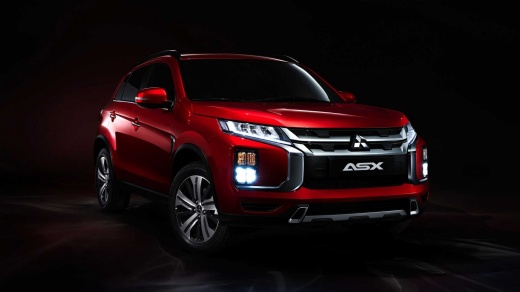
How to Reset the Service Light on a Mitsubishi ASX
Model: Mitsubishi Asx
MK 1
- Years:
2010, 2011, 2012, 2013, 2014, 2015, 2016, 2017, 2018, 2019, 2020, 2021
Video tutorial
In this new mini guide dedicated to your Mitsubishi ASX, we will discover how to correctly perform the manual reset of the service light. First, reach the driver's seat and ensure the instrument cluster is off. Then, locate the "Info" button on the right side of the dashboard and press it once. As soon as the new screen appears on the display, hold down the "Info" button for a few seconds and wait for the manual reset of the service light to complete. Finally, turn on the ignition or get back on the road.
Updated on 11 August 2026 by ScegliAuto
Related tutorials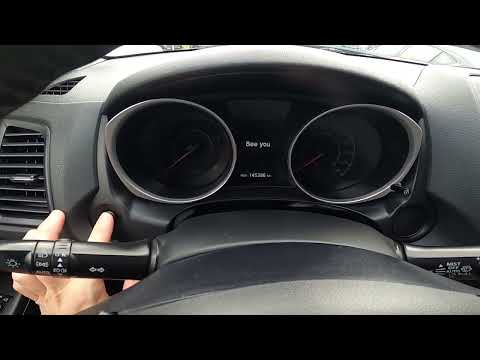
Mitsubishi Asx
(2010-2023 /
MK 1)
If the maintenance light on your Mitsubishi ASX continues to appear despite having already serviced the vehicle, you will need to manually reset the …
Mitsubishi Asx
(2010-2023 /
MK 1)
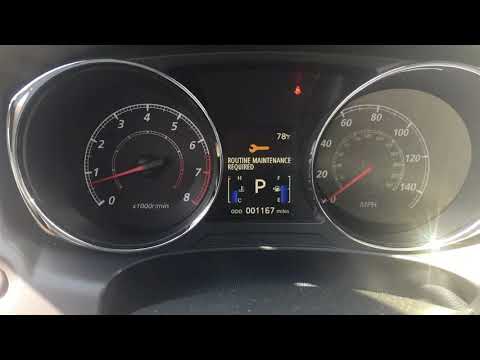
In today's video, see how to reset the service interval parameter and consequently turn off the related warning light on the Mitsubishi Outlander Spo…

Mitsubishi Asx
(2023-2026 /
MK 2)
In this tutorial, you will see how to reset the service light on the Mitsubishi ASX, a very simple and quick operation, to be done only after complet…
Other guides you may be interested in
|
How to Open the Bonnet on the Mitsubishi L200?
In this tutorial, you will see how to open the bonnet on the Mitsubishi L200, a very simple operation that follows the standard procedure. First, open the vehicle and go to the driver's side, then locate the lever at the lower outer area, just in front of the pedals, and pull it. Next, position yourself in front of the bonnet, locate the second lever above the Mitsubishi logo, and push it to the right, releasing the latch. At this point, you can fully lift the bonnet and secure it with the prop rod. by ScegliAuto More videos
|
|
For advertising on this site Write to info@scegliauto.com
ScegliAuto is not responsible for any inaccuracy of the data in the lists. To report any inaccuracy or your business (if you own the business in question), please write to info@scegliauto.com
Number of seconds to generate the page: 0.039
(c) ScegliAuto 2026 - info@scegliauto.com - Privacy policy VAT number: IT01247470535 |
