
|
Do it yourself
| |||
| ||||


How to Reset the Service Light on a Nissan Qashqai
Model: Nissan Qashqai
J10
- Years 2006-2014
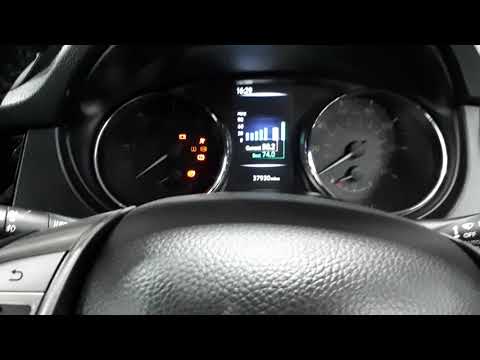
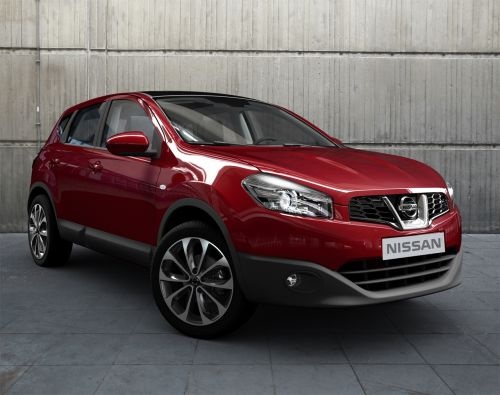
This brief video tutorial shows how to reset the maintenance light on a first-generation Nissan Qashqai, produced from 2006 to 2014. Remember, this operation must be performed every time a service is carried out on the vehicle. First, with the vehicle off, press and hold the TRIP button next to the speedometer. Now, turn on the ignition without starting the vehicle, and continue to hold the button for about ten seconds. Once done, release the button and press it again to complete the reset.
Updated on 4 July 2026 by ScegliAuto
Video tutorial
Related tutorials
Nissan Qashqai
(2014-2022 /
J11)
To manually reset the service light of your 2018 Nissan Qashqai, you simply need to follow the steps described in the following guide. First of all, …

Nissan Qashqai
(2014-2022 /
J11)
To reset the Service light on a Nissan Qashqai, turn on the ignition and navigate through the menu using the directional controls on the left side of…
Nissan Qashqai
(2014-2022 /
J11)
To reset the Service light on a Nissan Qashqai, turn on the instrument panel and navigate through the menu on the display using the lever on the left…
Other guides you may be interested in |
How to open the fuel tank door in the Hyundai I20?
In this tutorial we can see how to open the fuel tank door in the Hyundai I20, a very simple operation similar to the typical procedure of many vehicles. First of all, let's go inside the cabin, it is not necessary to insert the key or unlock all the locks, then we locate and operate the lever located in the lower left area of the cabin, right next to the driver's seat. Once we have done this, we exit the vehicle, open the door completely and unscrew the fuel tank cap. To close the door, simply press it gently until you hear a click. by ScegliAuto More videos
|
|
For advertising on this site Write to info@scegliauto.com
ScegliAuto is not responsible for any inaccuracy of the data in the lists. To report any inaccuracy or your business (if you own the business in question), please write to info@scegliauto.com
Number of seconds to generate the page: 0.267
(c) ScegliAuto 2026 - info@scegliauto.com - Privacy policy VAT number: IT01247470535 |
