
|
Do it yourself
| |||
| ||||


How to set the time on the Opel Crossland X
Model: Vauxhall Crossland X
MK 1
- Years 2017-2024
Setting the time and date on an Opel Crossland X vehicle is a very simple operation and can be done in a few minutes thanks to our short video tutorial. To set a new time, we need to turn on the vehicle and, if necessary, the onboard computer. Once turned on, we select the "settings" option and then "time and date". Once inside the clock menu, we can adjust the date and minutes to our liking. We confirm the choice and return to the main menu before restarting the vehicle. This operation can be performed multiple times a day and month if necessary.
Posted on 26 November 2024 by ScegliAuto
Video tutorial
Related tutorials
Vauxhall Crossland X
(2017-2024 /
MK 1)
Hello! Today, replace the battery in the remote for your Opel Crossland X. Take the remote, and from the back, lever in the groove with a small screw…

Vauxhall Crossland X
(2017-2024 /
MK 1)
To regulate the operation of the devices in the Opel Crossland X, locate the fuses in the designated fuse boxes. This model has two boxes for this pu…
Vauxhall Crossland X
(2017-2024 /
MK 1)
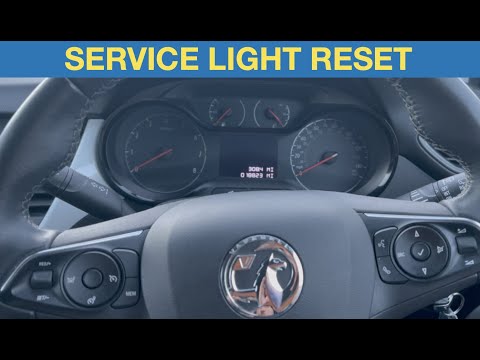
If the service light appears on the dashboard of your new Opel Crossland X despite having already completed the regular service, don't worry as you c…
Other guides you may be interested in
|
How to Open the Bonnet on the Lancia Y
To open the bonnet on this vehicle, follow these simple instructions: first, open the driver's door and locate the lever positioned just below the dashboard, marked with an image of the vehicle with the bonnet open. Pull this lever towards you until you hear a "click" indicating the bonnet is released. Next, exit the cabin and stand in front of the bonnet to disengage the safety catch and complete the opening. To do this, slightly lift the bonnet, locate the yellow lever underneath, and pull it to the left to fully release and open the bonnet. by ScegliAuto More videos
|
|
For advertising on this site Write to info@scegliauto.com
ScegliAuto is not responsible for any inaccuracy of the data in the lists. To report any inaccuracy or your business (if you own the business in question), please write to info@scegliauto.com
Number of seconds to generate the page: 0.275
(c) ScegliAuto 2026 - info@scegliauto.com - Privacy policy VAT number: IT01247470535 |
