
|
Do it yourself
| |||
| ||||


How to Replace the Front Windscreen Wiper Blades on an Opel Zafira
Model: Vauxhall Zafira
Zafira A, T98, MK 1
- Years:
1999, 2000, 2001, 2002, 2003, 2004, 2005
Video tutorial
How to replace the front windscreen wiper blades on an Opel Zafira? Let's see how to proceed in the following video: take the front wiper blade in your hands, gently pull the movable blade (without breaking it) and slide it off the arm on the left. Fit the new blade onto the arm; you will hear a click indicating it is securely attached. Finally, lower the wiper arm onto the windscreen and perform the same operation on the second blade. Finally, test the new blades fitted. It is always preferable to use original parts for greater durability and quality.
Updated on 3 March 2026 by ScegliAuto
Related tutorials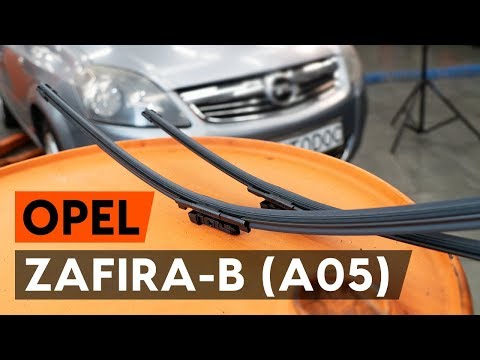
Vauxhall Zafira
(2005-2011 /
MK 2, A05, Zafira B)
The first step when replacing the wiper blades on an Opel Zafira is to detach the wiper arm from the glass surface until it stops. The second step is…
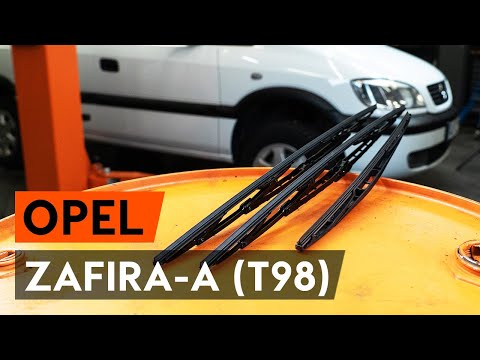
Vauxhall Zafira
(1999-2005 /
Zafira A, T98, MK 1)
Replacing the wiper blades on the Opel Zafira A is straightforward. Lift the wiper arm and detach the mechanism that connects the blade to the arm. I…
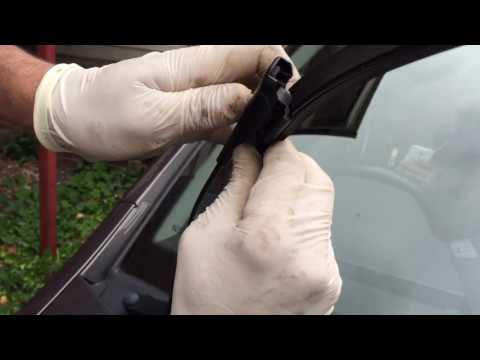
Vauxhall Zafira
(2005-2011 /
MK 2, A05, Zafira B)
Before proceeding with the replacement of the wiper blades, ensure you have purchased the correct length (generally, the two blades are not the same …
Other guides you may be interested in |
How to Reset the Tyre Pressure Warning Light on a Kia Rio?
The tyre pressure warning light displayed on the instrument cluster of the Kia Rio can be reset by inflating the tyres until they reach the recommended pressure value: this value is indicated on the sticker affixed to the driver's door pillar. Once all tyres have been inflated to the recommended pressure, turn on the ignition to check that the light has disappeared: if it is still present, it may be necessary to drive for a few miles, allowing the sensors to work and thus turning off the light. by ScegliAuto More videos
|
|
For advertising on this site Write to info@scegliauto.com
ScegliAuto is not responsible for any inaccuracy of the data in the lists. To report any inaccuracy or your business (if you own the business in question), please write to info@scegliauto.com
Number of seconds to generate the page: 0.016
(c) ScegliAuto 2026 - info@scegliauto.com - Privacy policy VAT number: IT01247470535 |
