
|
Do it yourself
| |||
| ||||


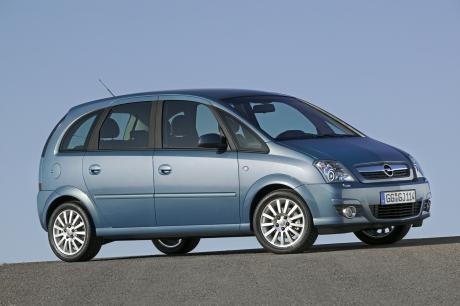
How to reset the service light on the Opel Meriva
Model: Vauxhall Meriva
Meriva A, MK 1
- Years 2003-2010
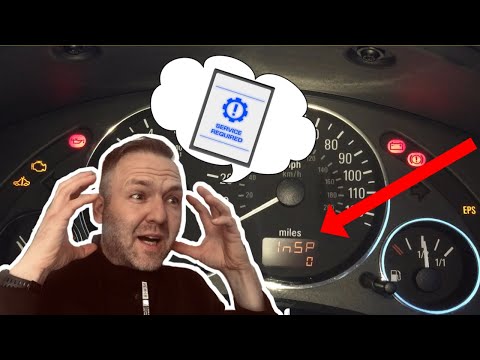
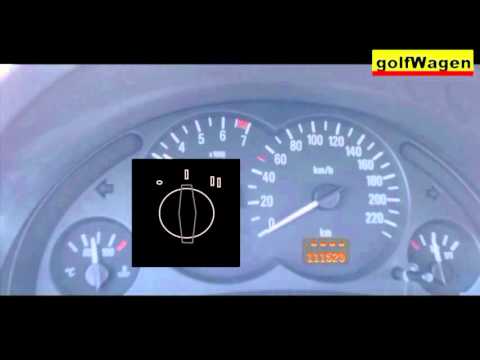
The Opel Meriva displays a warning light with the symbol of a wrench on the instrument panel when it is necessary to perform a car service. After completing the full service on the vehicle, we must proceed with resetting the service light. To reset the light, we must turn on the instrument panel and press the SET button, located on the display of the instrument panel. By holding down the button, we will initiate the reset, and release the button when the reset is complete. Restart the instrument panel to confirm the completion of the reset. In case of a negative outcome, it is necessary to go to the workshop to resolve the issue.
Posted on 31 August 2025 by ScegliAuto
Video tutorial
Related tutorials
Vauxhall Meriva
(2003-2010 /
Meriva A, MK 1)
When the service light on your Opel Meriva A remains on even after servicing the vehicle, you need to manually reset the light. First, get into the c…
Vauxhall Meriva
(2003-2010 /
Meriva A, MK 1)
To reset the Service light on the Opel Meriva, press and hold the button located on the dashboard, between the speedometer and the fuel gauge: keep t…
Vauxhall Meriva
(2003-2010 /
Meriva A, MK 1)
Today, you will learn how to reset the service light for the regular oil change maintenance on the Opel Meriva, following the instructions below. Fir…
Other guides you may be interested in |
How to Replace the Battery on a Honda Vision 110
To replace the battery on a Honda Vision 110, you need to remove the front fairing of the motorcycle, located directly under the front headlamp. To loosen this panel, unscrew the two screws found at its top, just below the handlebar. Once these screws are loosened, lever under the panel to detach it, gaining access to the battery underneath: this battery must be removed from its housing by unscrewing the fixing screws and disconnecting the power cables, replacing it with a new one. by ScegliAuto More videos
|
For advertising on this site Write to info@scegliauto.com
ScegliAuto is not responsible for any inaccuracy of the data in the lists. To report any inaccuracy or your business (if you own the business in question), please write to info@scegliauto.com
Number of seconds to generate the page: 0.359
(c) ScegliAuto 2026 - info@scegliauto.com - Privacy policy VAT number: IT01247470535 |
