
|
Do it yourself
| |||
| ||||


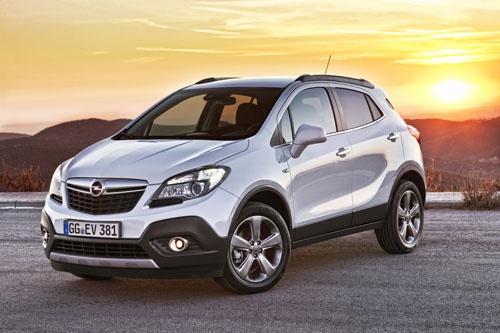
How to Configure the Radio in the Opel Mokka
Model: Vauxhall Mokka
Mokka A
- Years 2012-2019
Video tutorial
Detailed instructions - Configuring the radio in the Opel Mokka is a very simple and quick procedure to carry out independently. Turn on the instrument panel and the vehicle's onboard computer; on the central console, press the "configuration" button. The display of the onboard computer will show the specific menu for the radio. From here, you can decide whether to set the volume to automatic or manual, choose which radio station to keep or add; enable or disable RDS, enable or disable text blocking or regional stations, and set buttons for text options. At the end of the configuration, return to the main menu and press the "back" button.
Posted on 1 October 2026 by ScegliAuto
Related tutorials
Vauxhall Mokka
(2012-2019 /
Mokka A)
In just a few simple steps, you will discover the instructions for disassembling and replacing the standard radio of the Opel Mokka. First, get insid…
Vauxhall Mokka
(2012-2019 /
Mokka A)
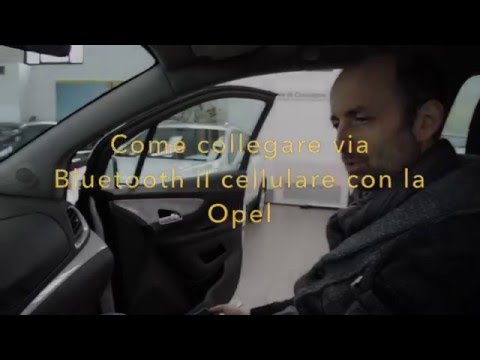
Follow this video to pair your smartphone with the Bluetooth system of the car radio in an Opel. Turn on the radio of your vehicle, activate the Blue…
Vauxhall Mokka
(2012-2019 /
Mokka A)
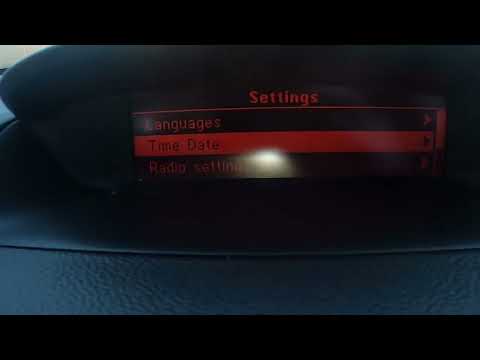
To reset the Bluetooth settings of the Opel Mokka to factory conditions, turn on the instrument panel to navigate the menu on the central display. Us…
Other guides you may be interested in
|
How to Replace the Key Battery in a Skoda Karoq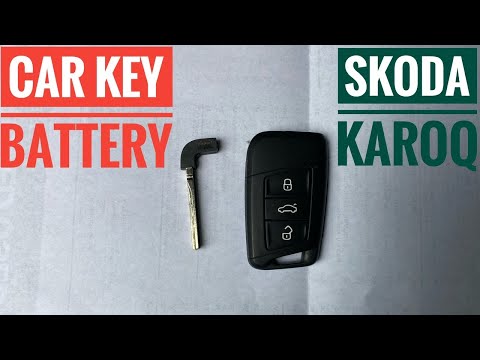
Replacing the button battery in your new Skoda Karoq key takes just a few minutes and can be done independently. Simply follow these steps. First, press the lower button of the cover while simultaneously pulling out the physical emergency key. Then, using a small flat screwdriver, remove the rear cover to access the exhausted battery. Remove the old battery and replace it with a new compatible model (CR2032). Finally, reattach the rear cover and insert the physical key back in. by ScegliAuto More videos
|
|
For advertising on this site Write to info@scegliauto.com
ScegliAuto is not responsible for any inaccuracy of the data in the lists. To report any inaccuracy or your business (if you own the business in question), please write to info@scegliauto.com
Number of seconds to generate the page: 0.062
(c) ScegliAuto 2026 - info@scegliauto.com - Privacy policy VAT number: IT01247470535 |
